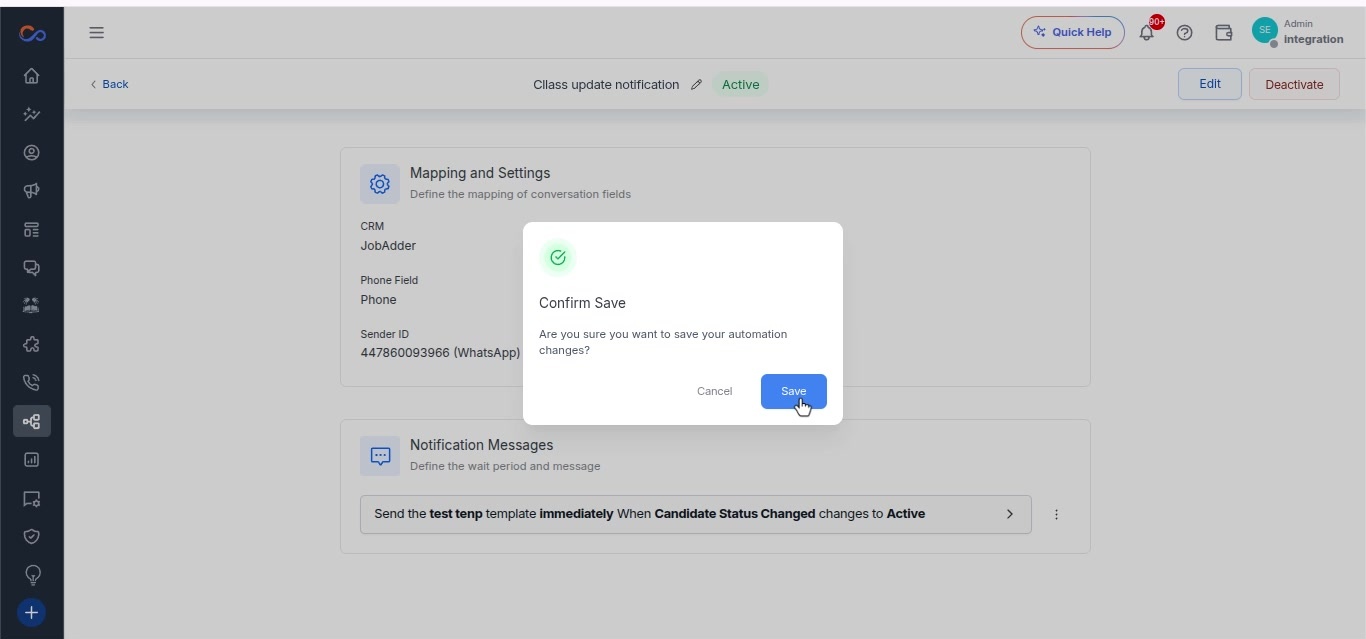
Automate Conversations with Usecase Automation
Automation Use Case
- Navigate to the automation use case page.
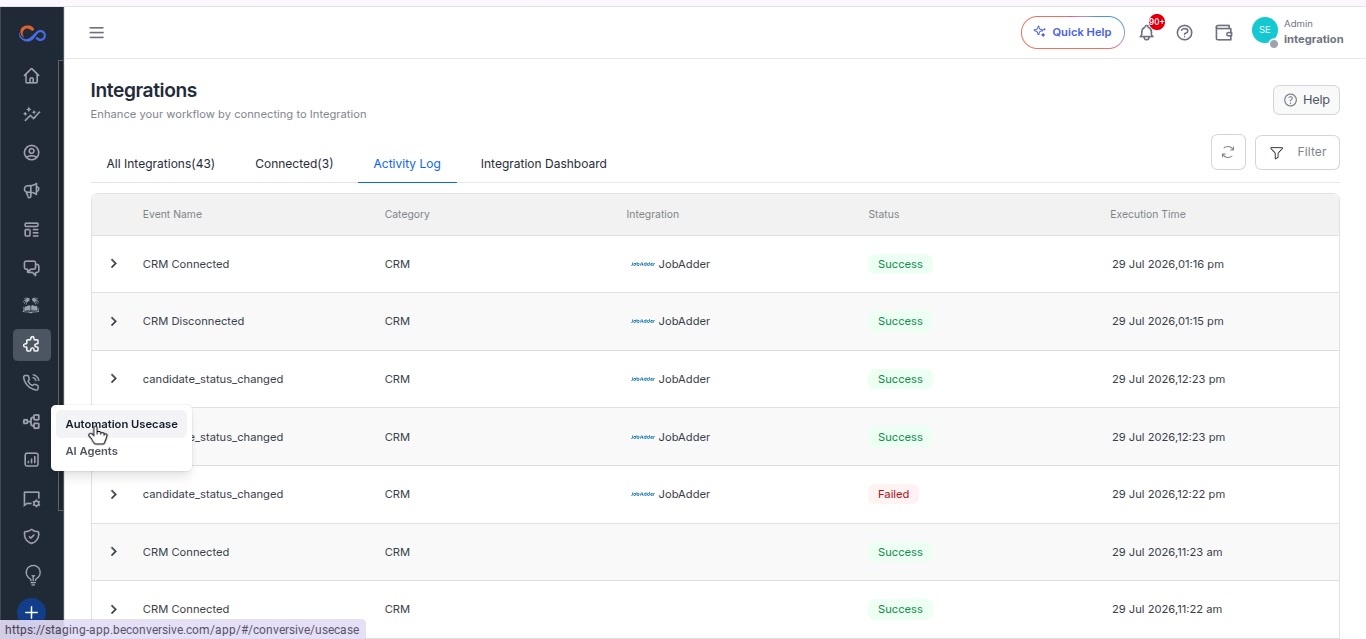
- Select the use case.
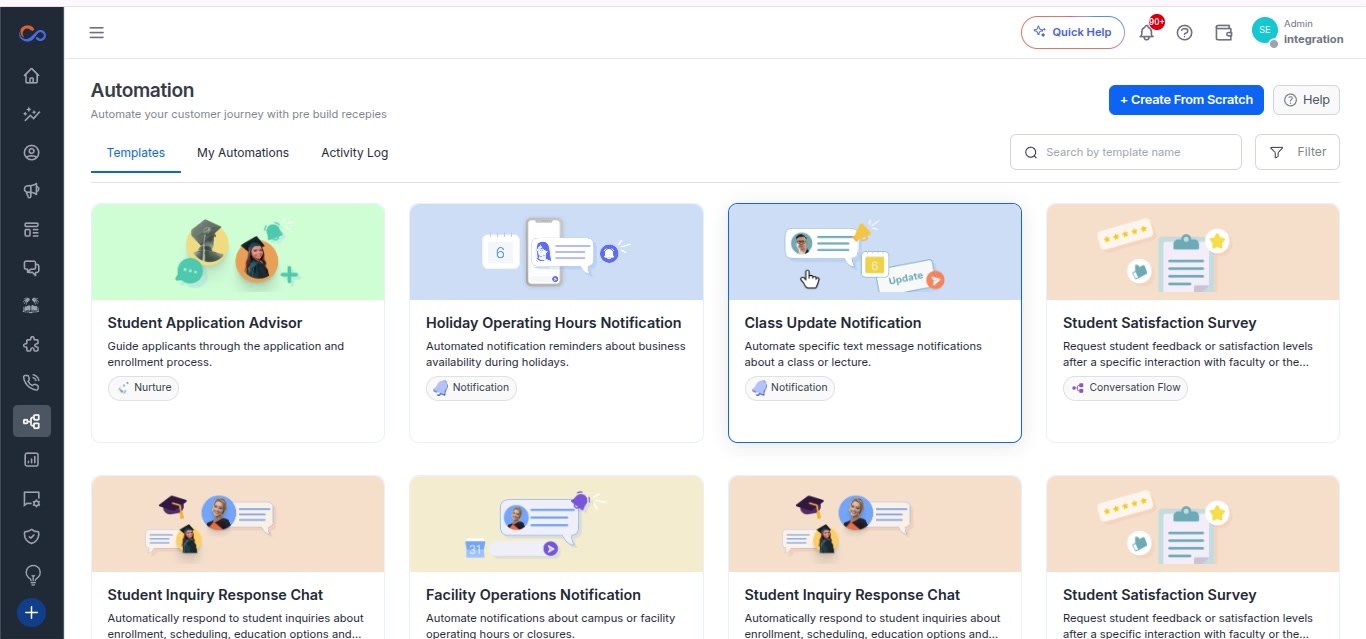
- Click the “Get This Automation” button.
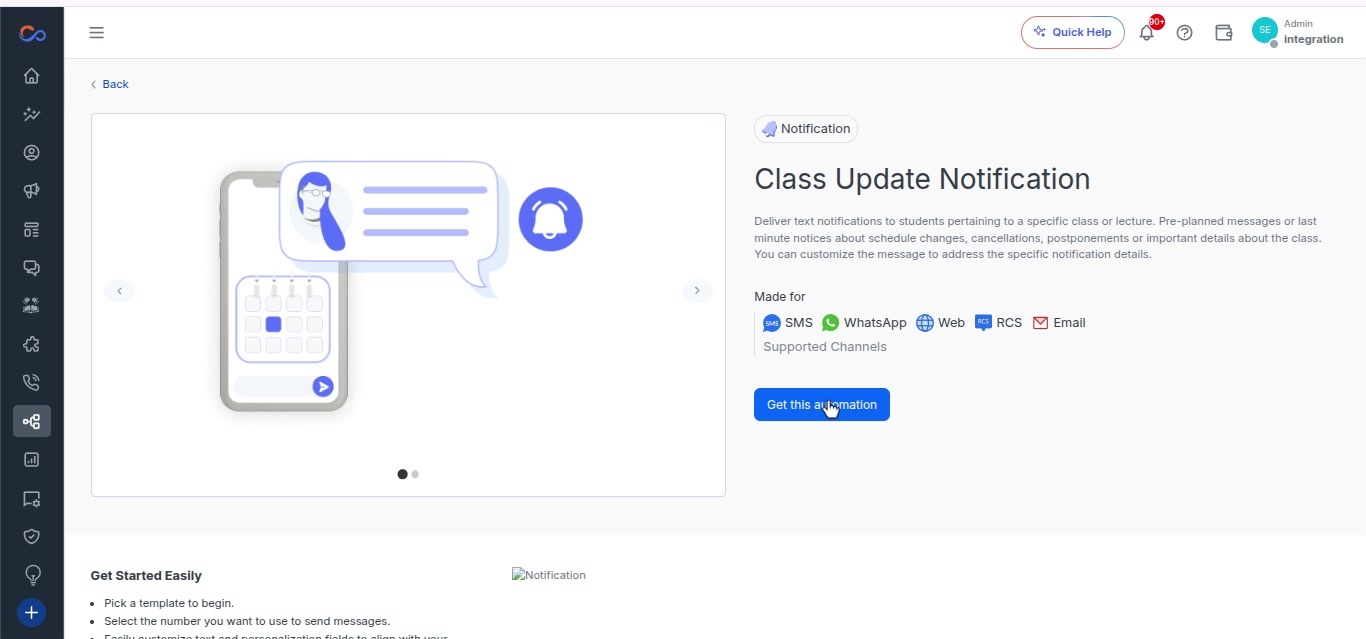
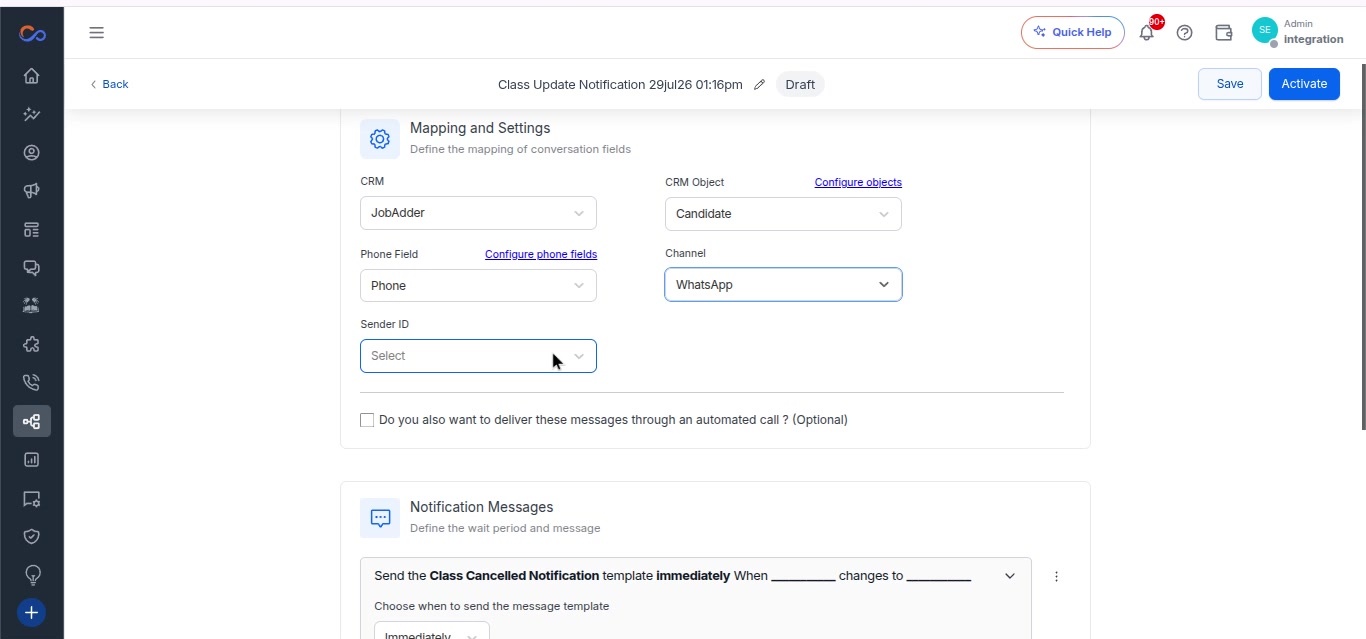
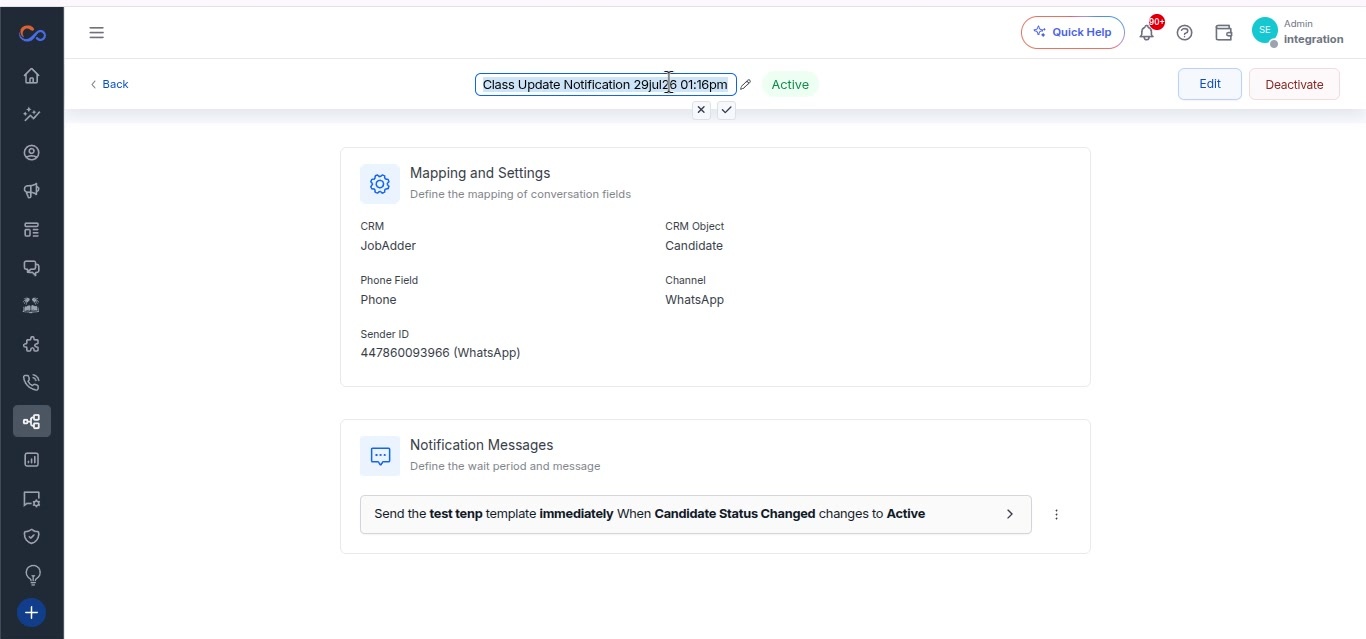
- On the use case page, choose the CRM.
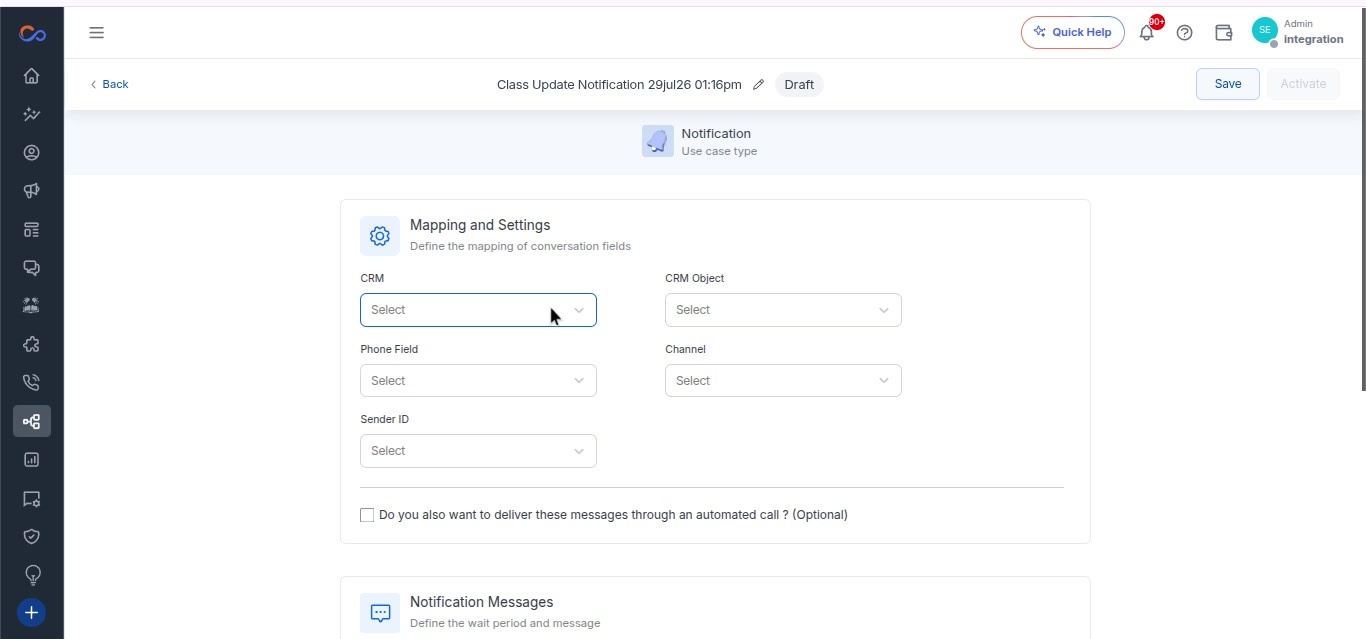
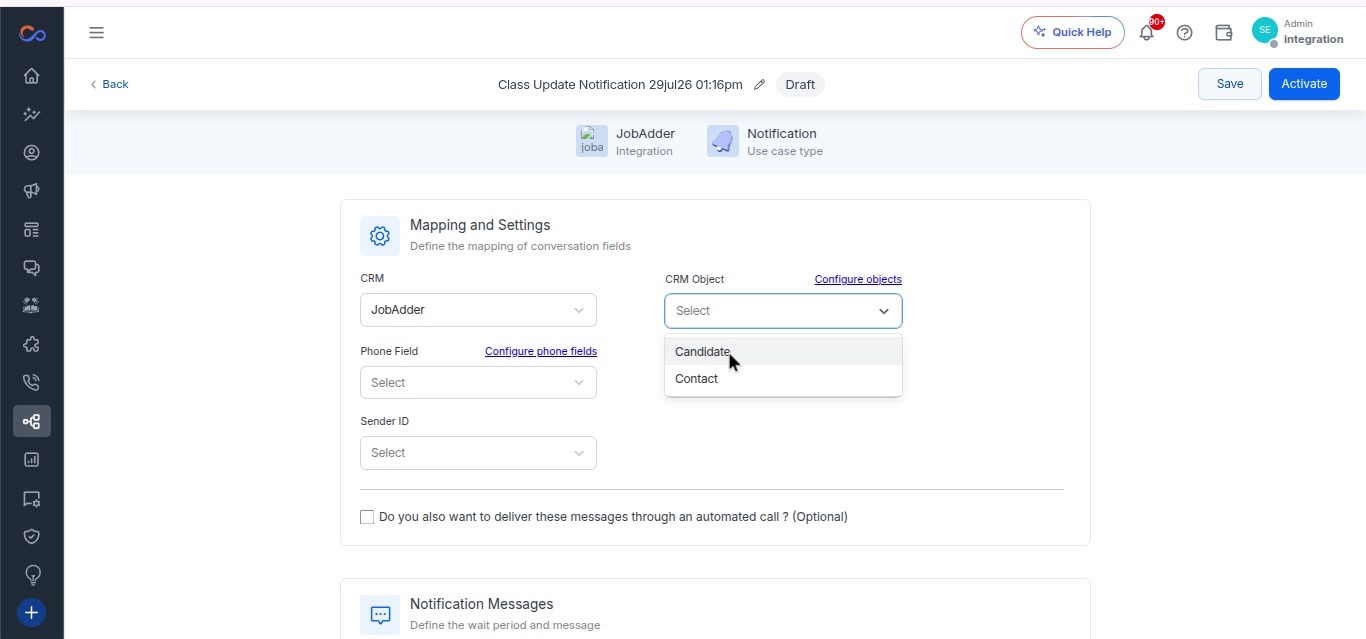
- Select the object.
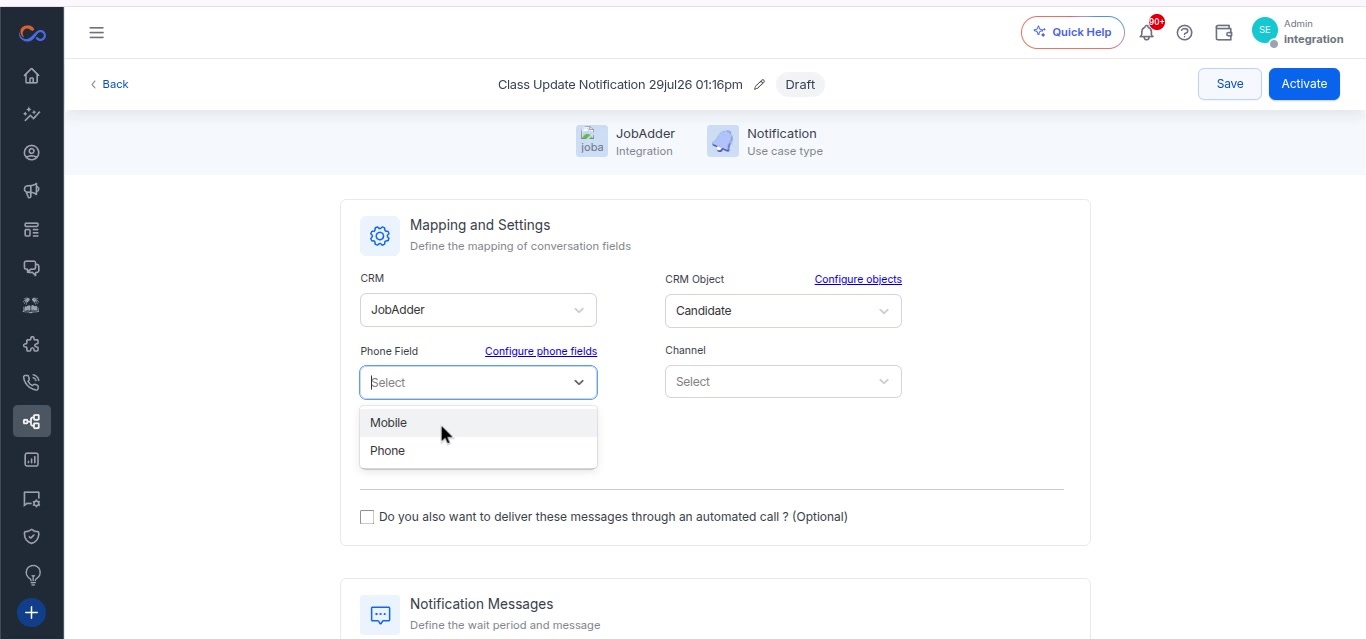
- Select the phone field.
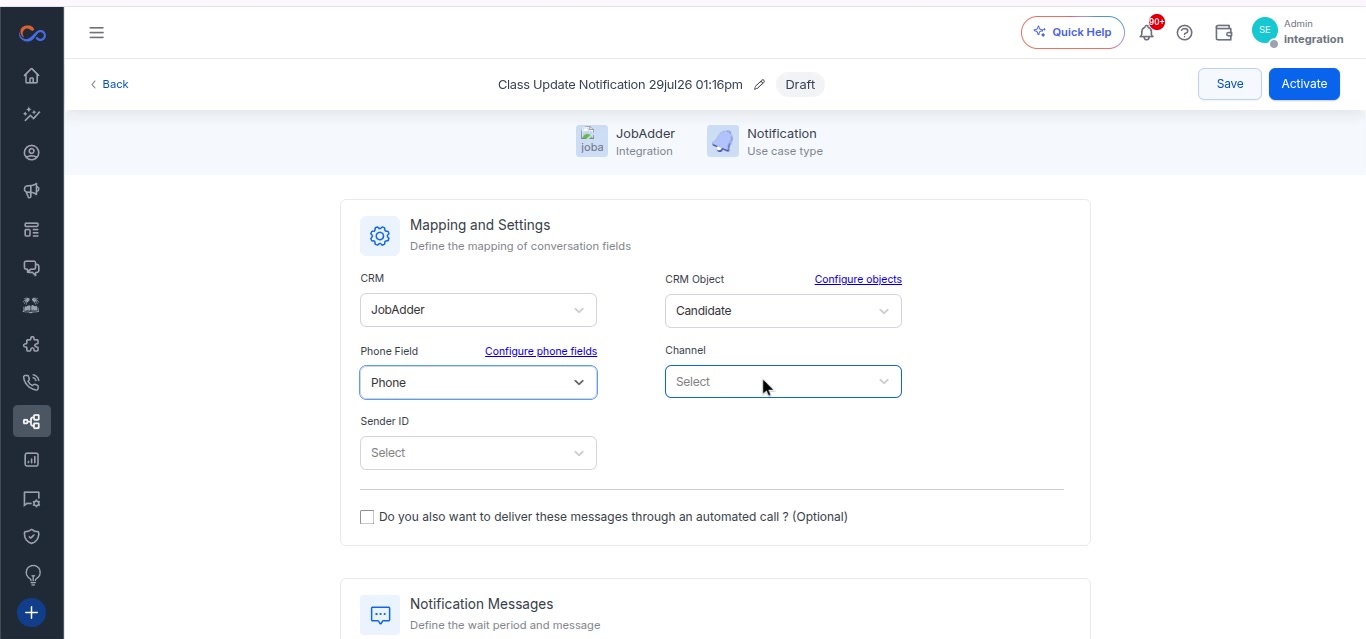
- Select the channel.
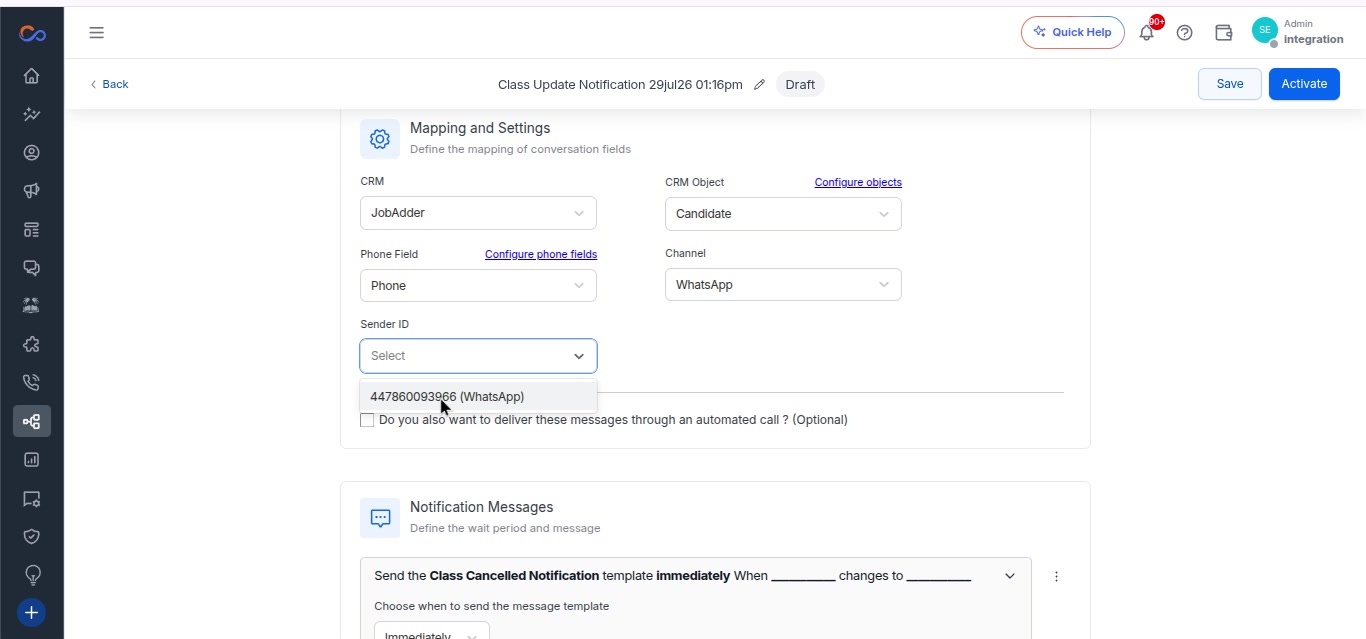
- Select the sender ID to trigger the automation.
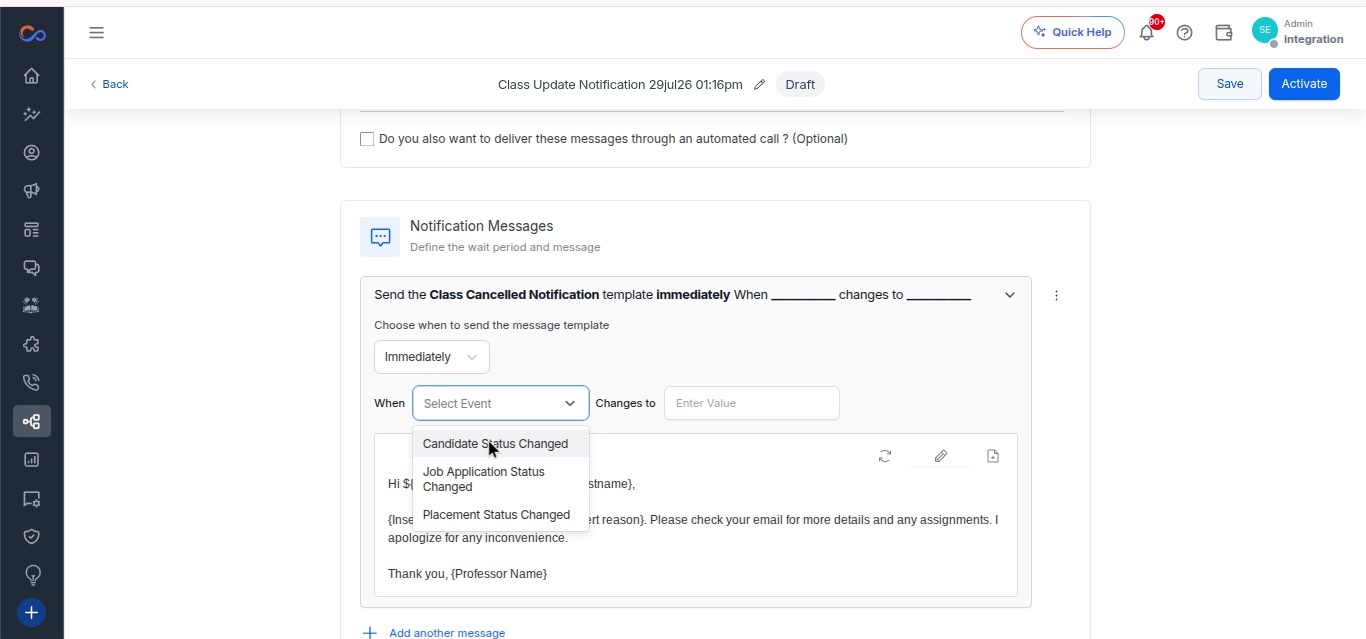
- In the notification messages section, select the event from the options set up on the integration page.
- Enter a value for the event trigger action.
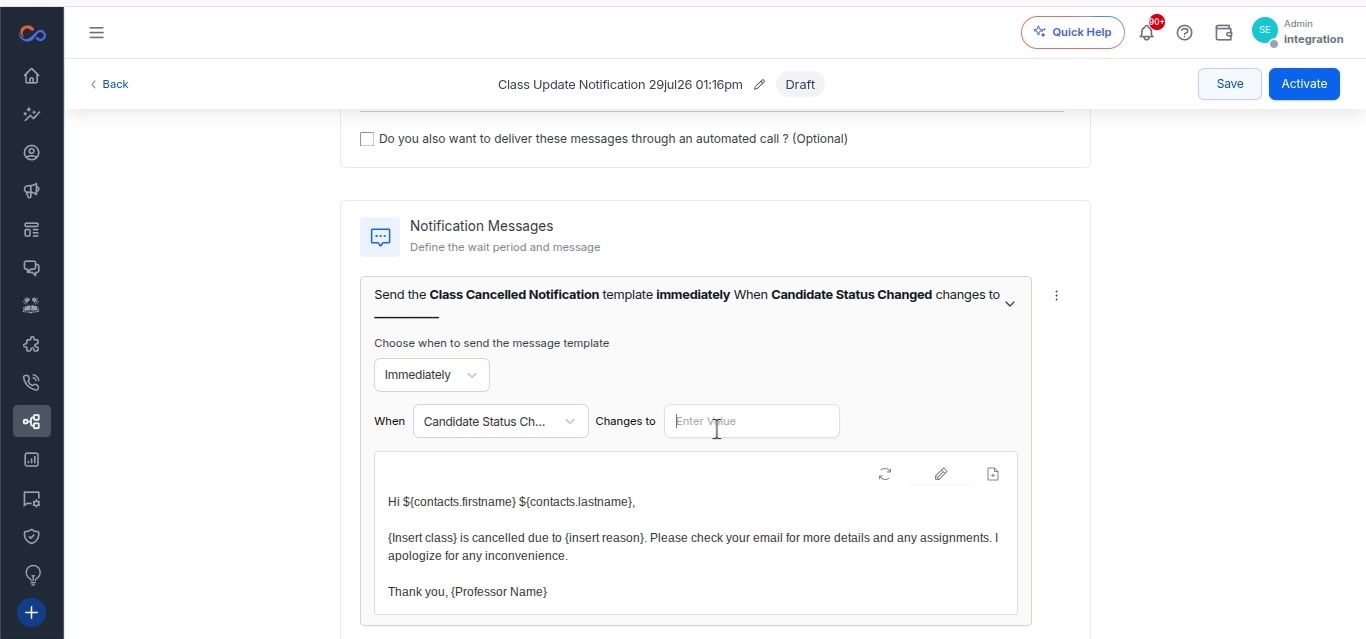
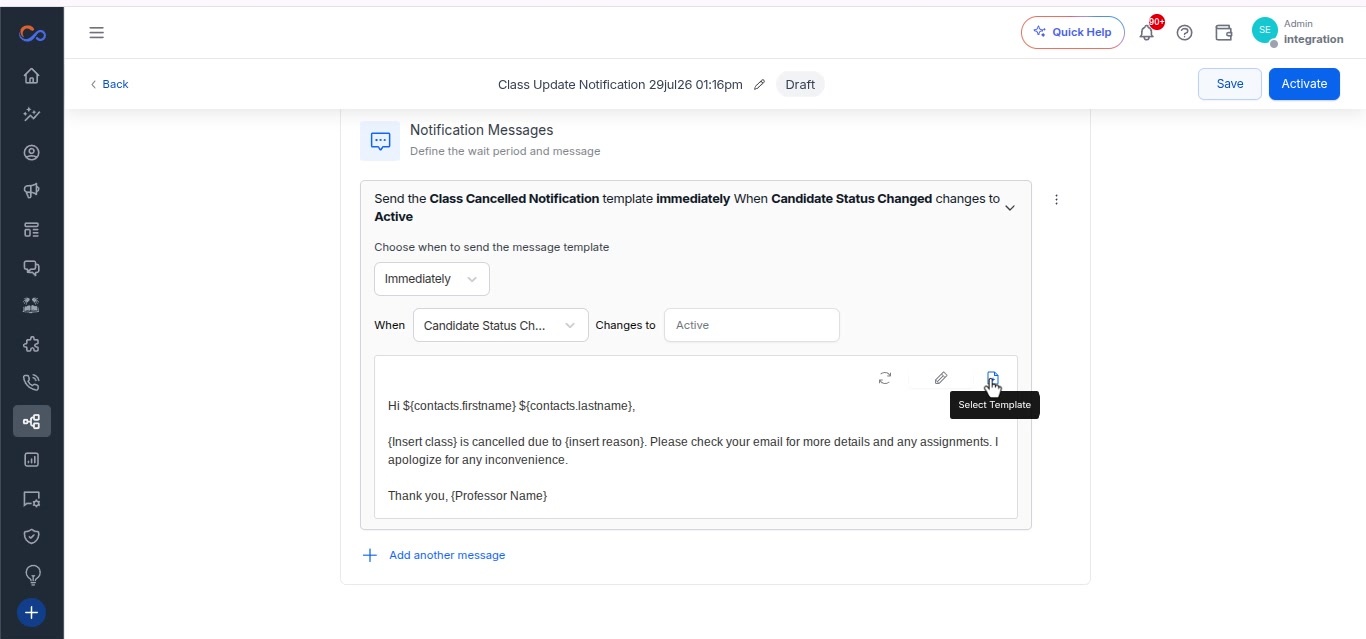
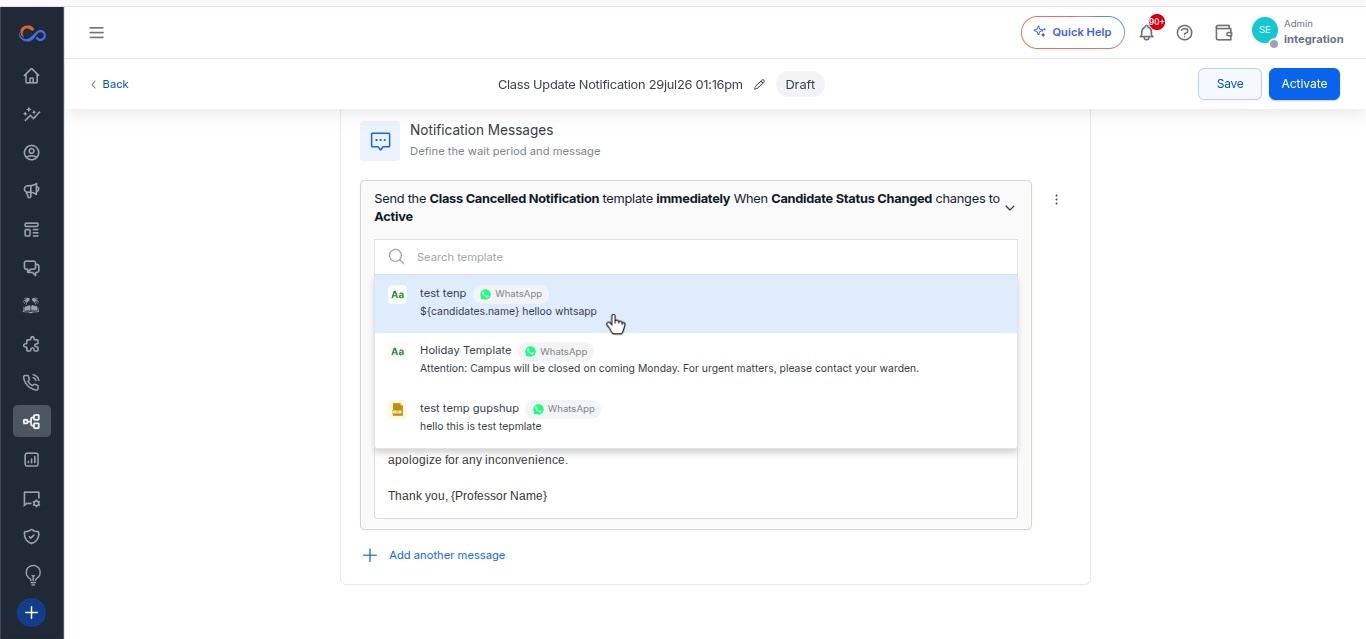
- Select the appropriate template for the use case.
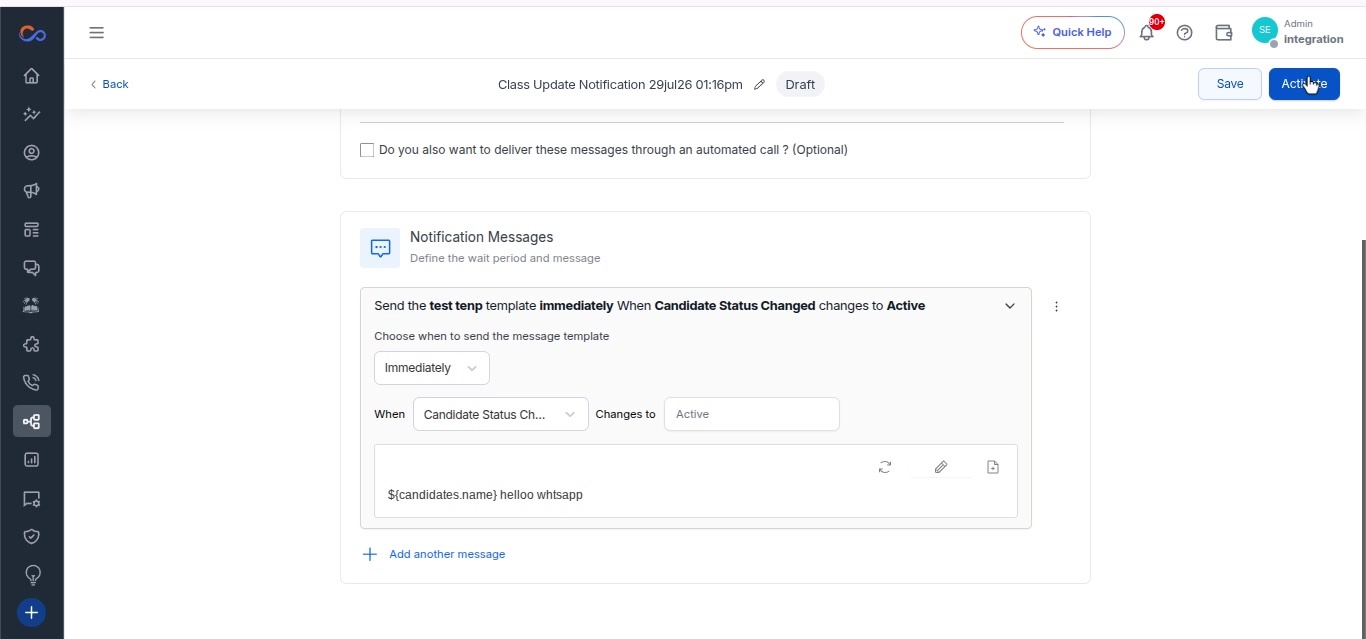
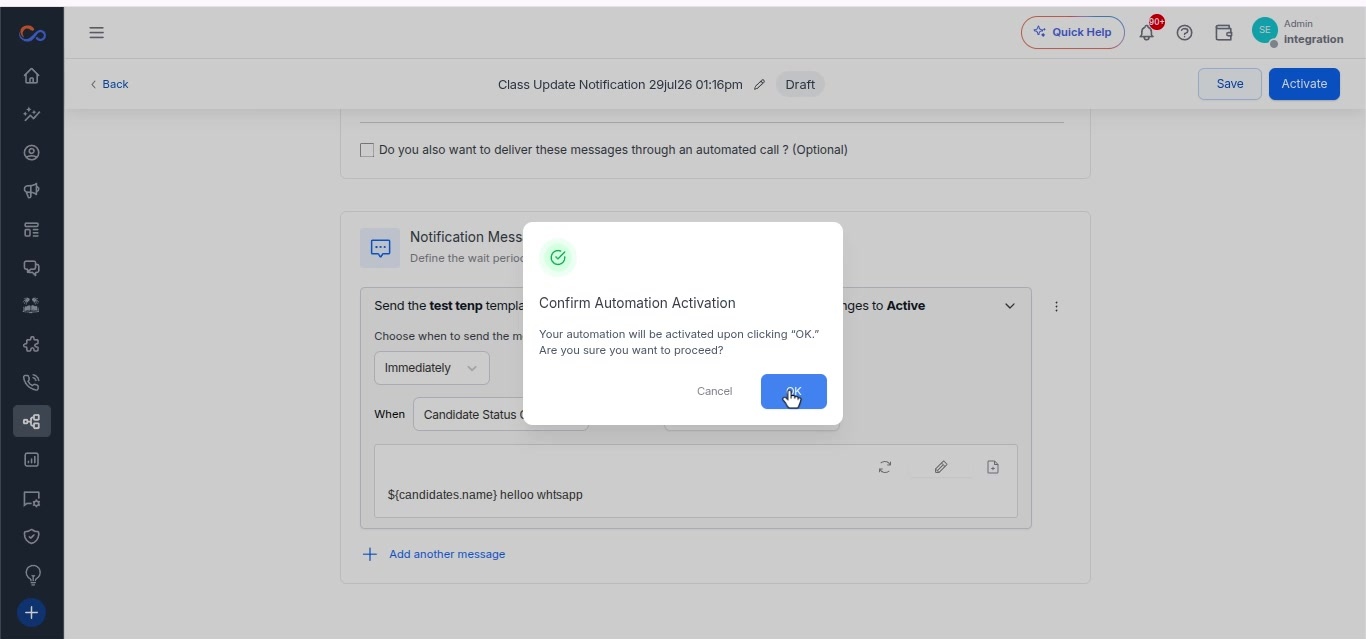
- Click the “Activate” button to activate the automation.
- Assign a name to the automation if desired.
- Save your changes.