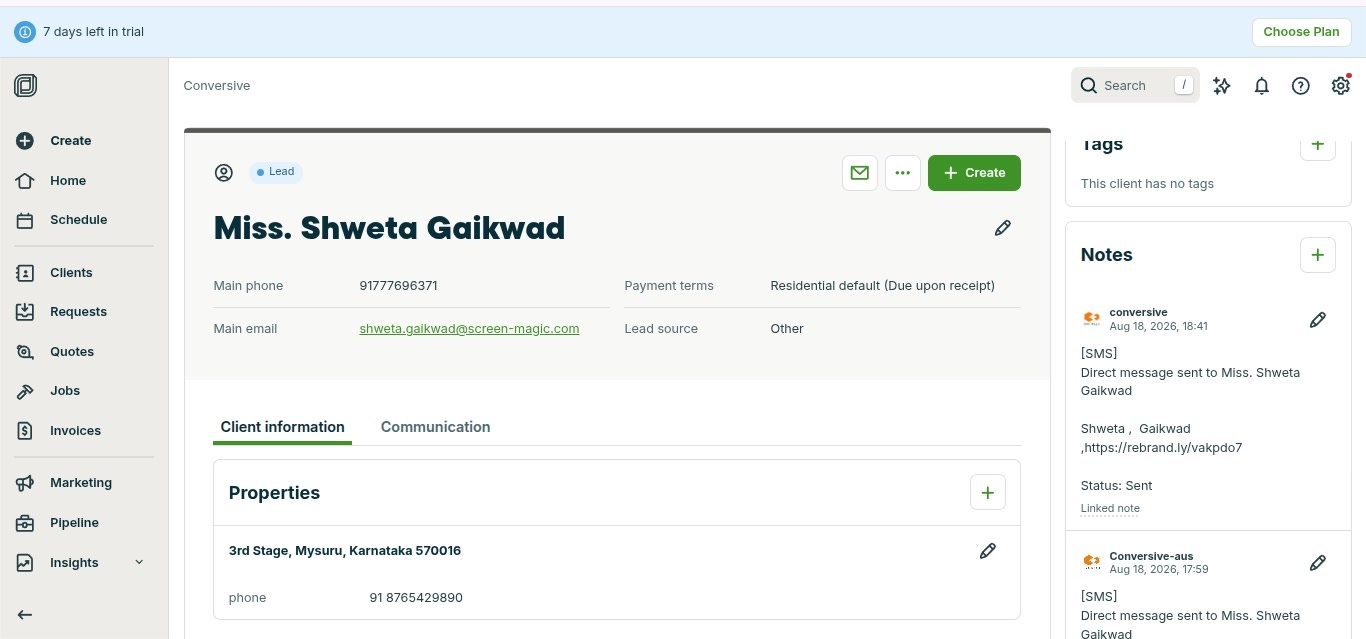
Create Conversation with Jobber Contacts
Managing Client Communications
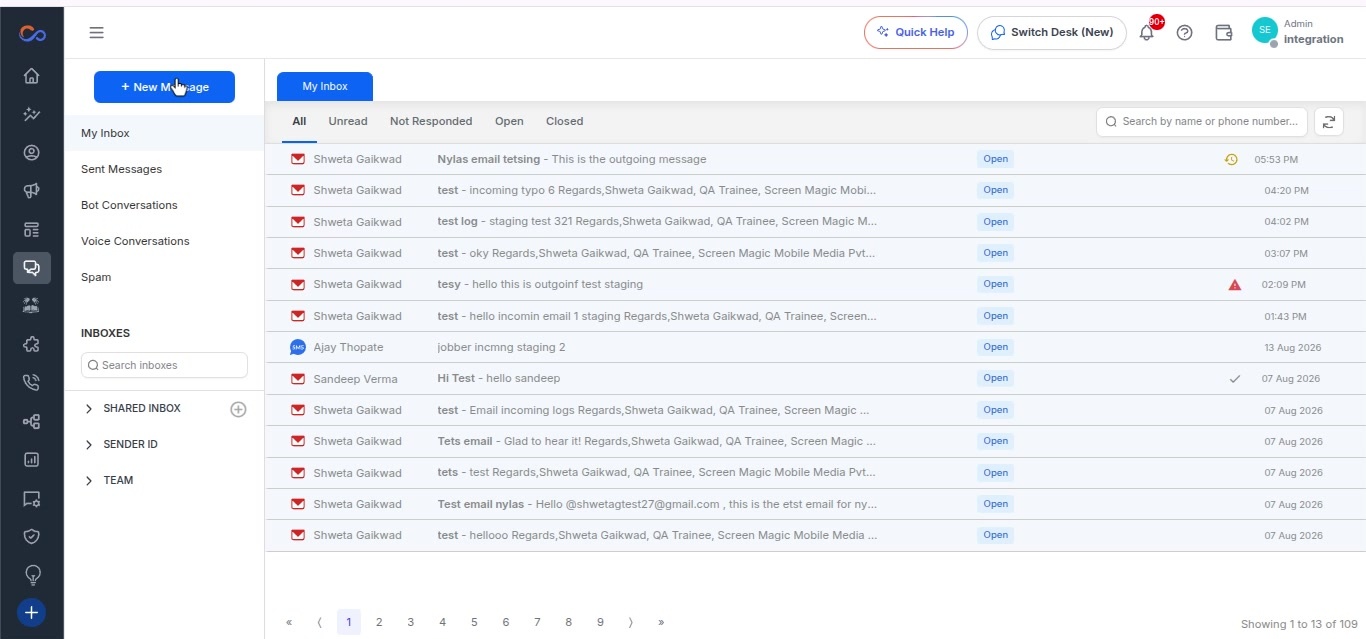
- Select the Converse Desk option from the sidebar.
- Click the Plus New Message button in the Converse Desk interface.
-
Fill out the form in the New Message modal that appears:
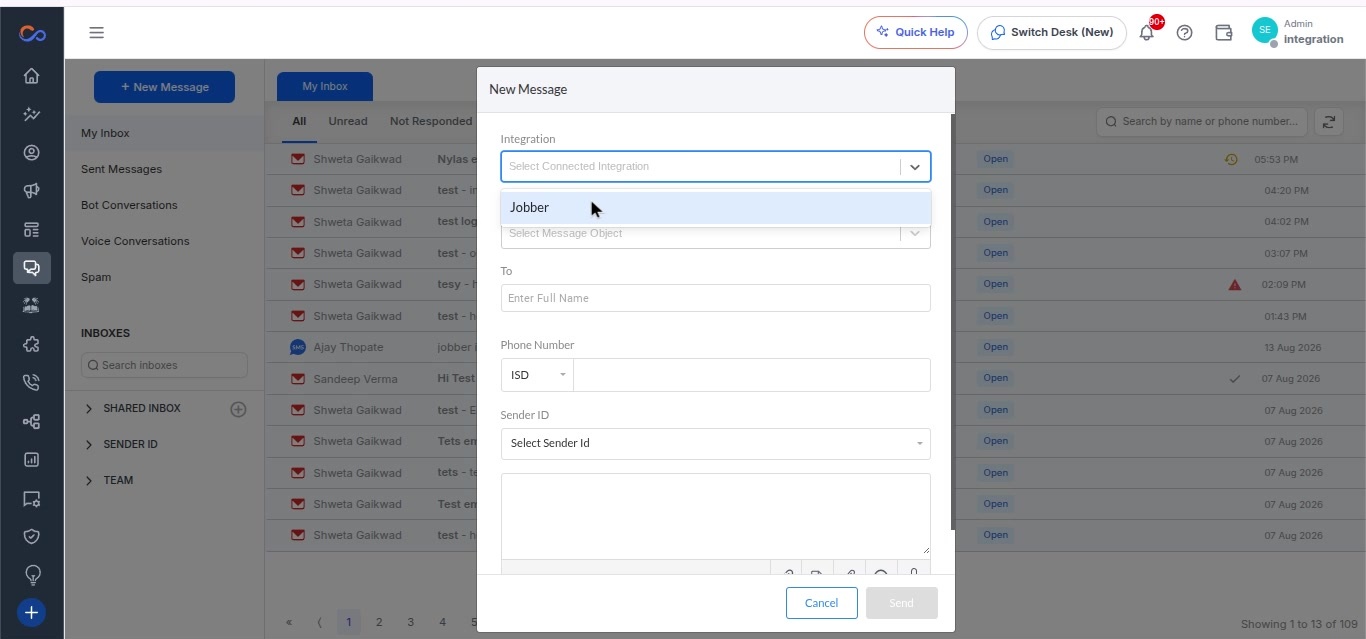
- Enter the integration details.
- Select Jobber from the integration drop-down.
- Choose Client from the Message Object drop-down.
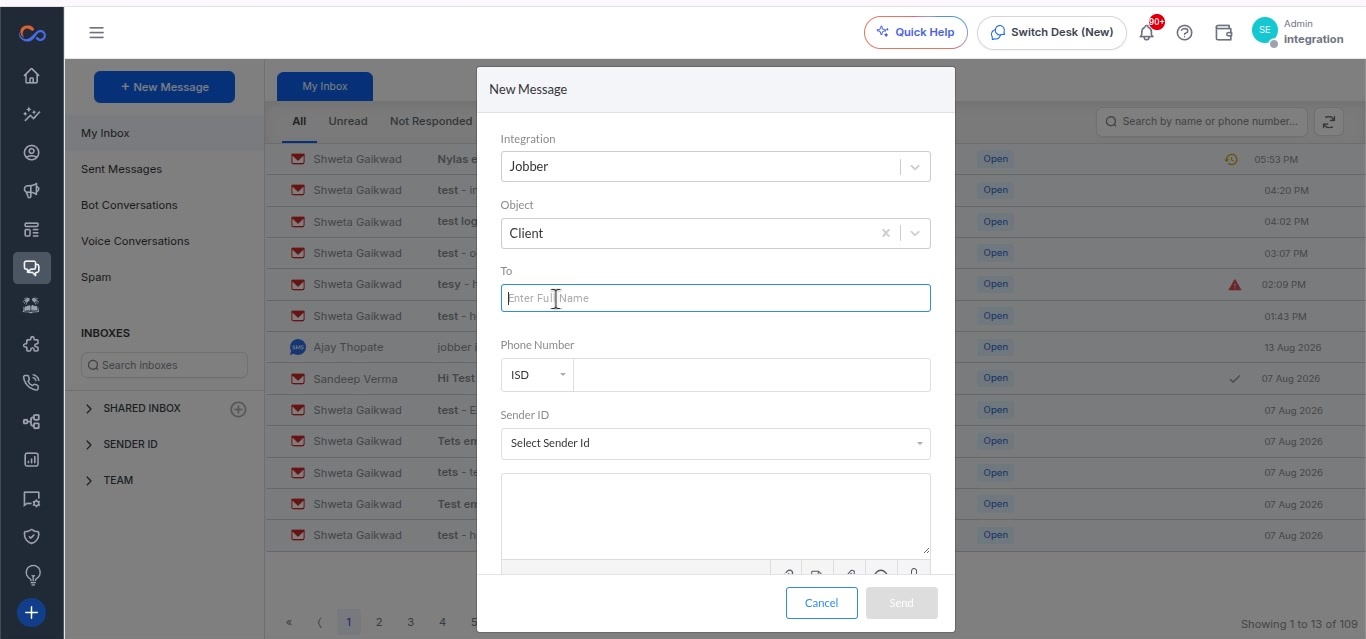
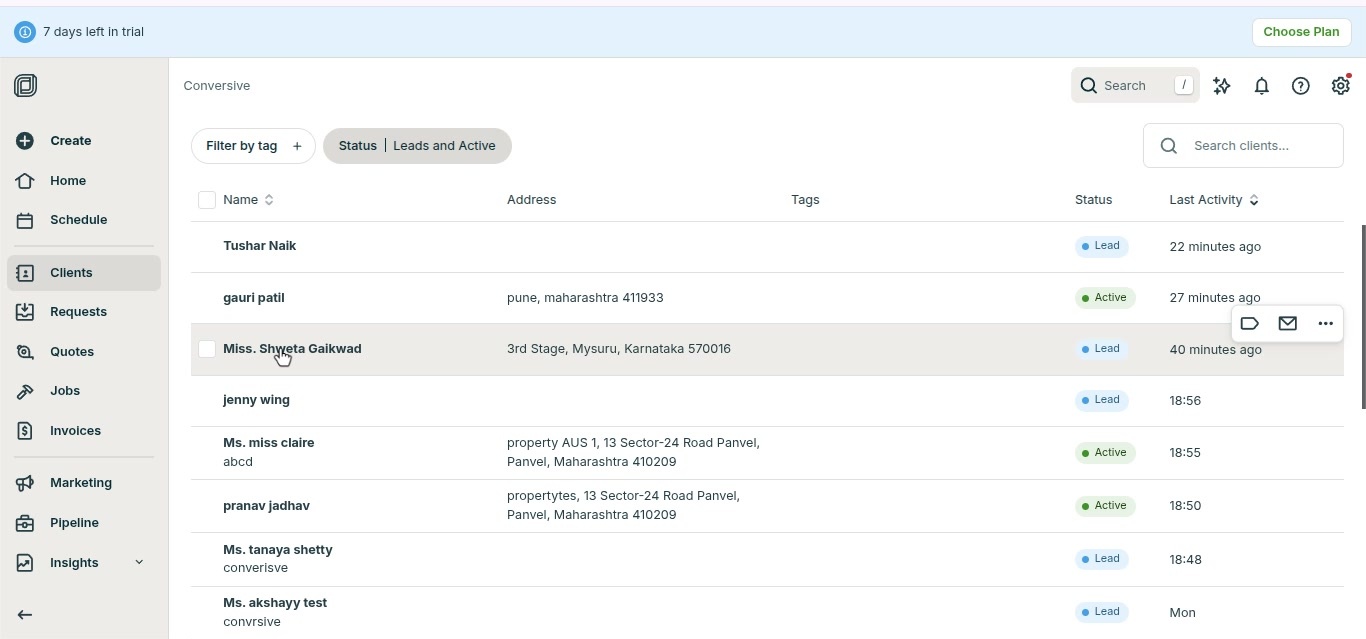
- Type Shweta in the To field and select the appropriate contact.
- Enter the phone number in the Phone Number field.
- Select a sender ID from the drop-down menu.
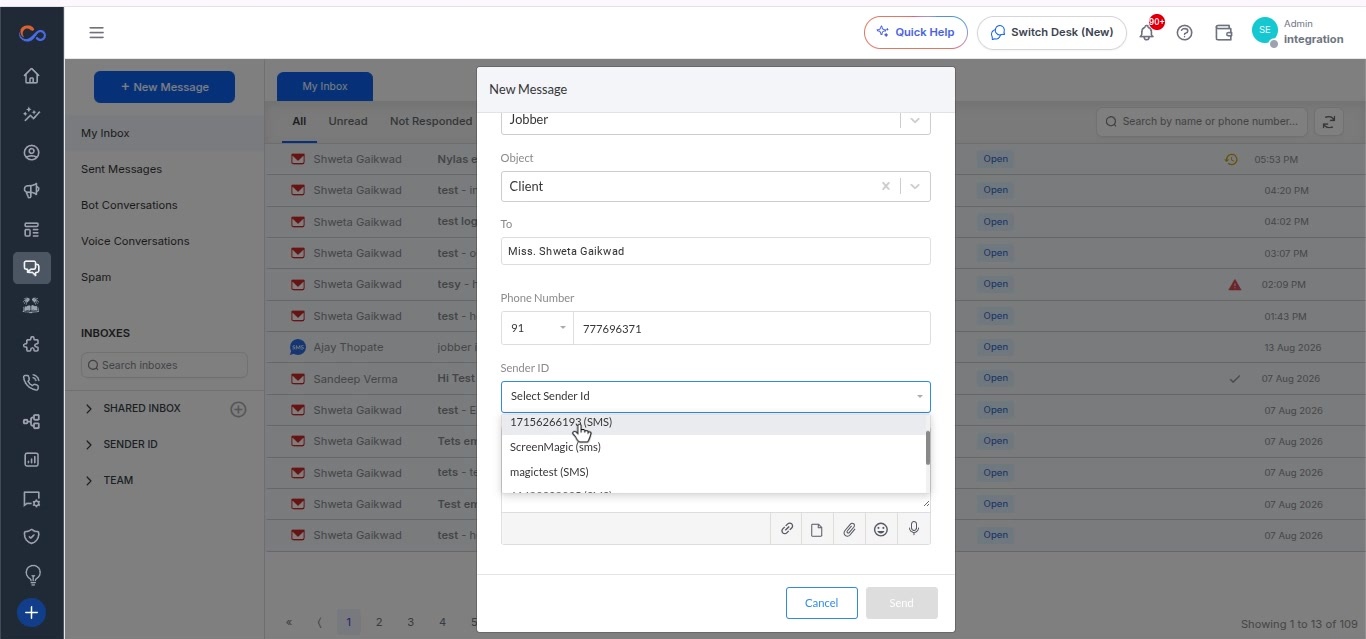
- Click on the Templates icon.
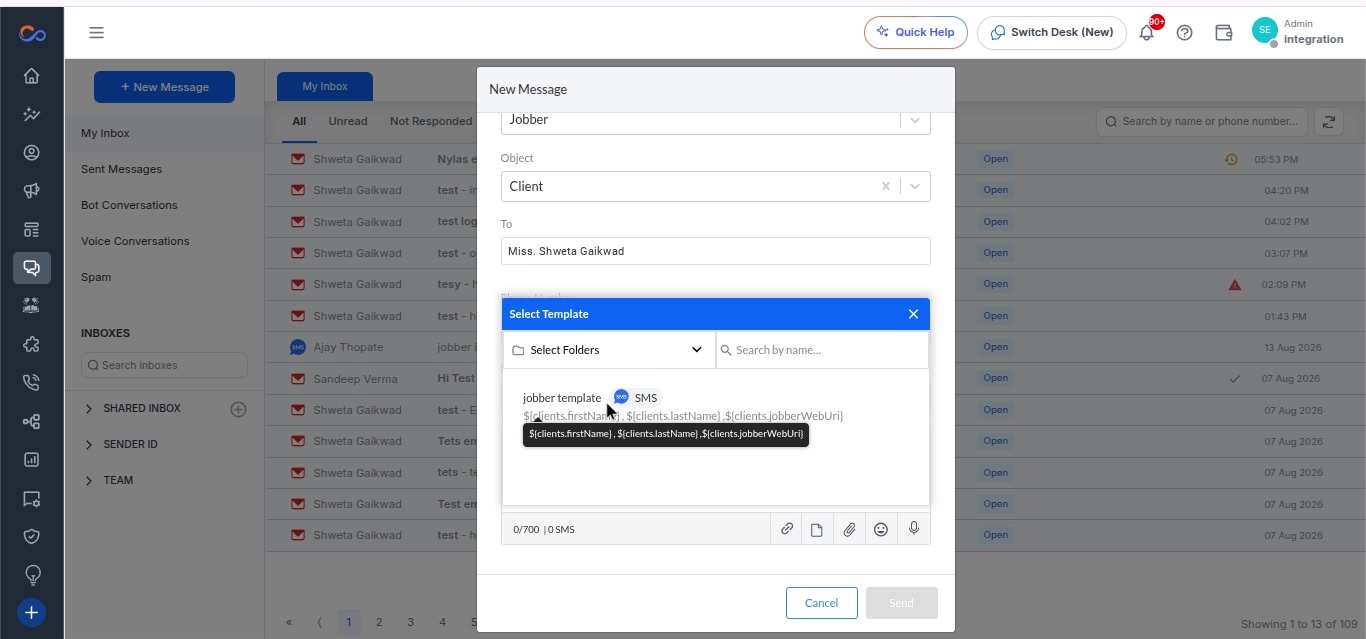
- In the Template Selection modal, choose a template from the list.
- Click the Send button.
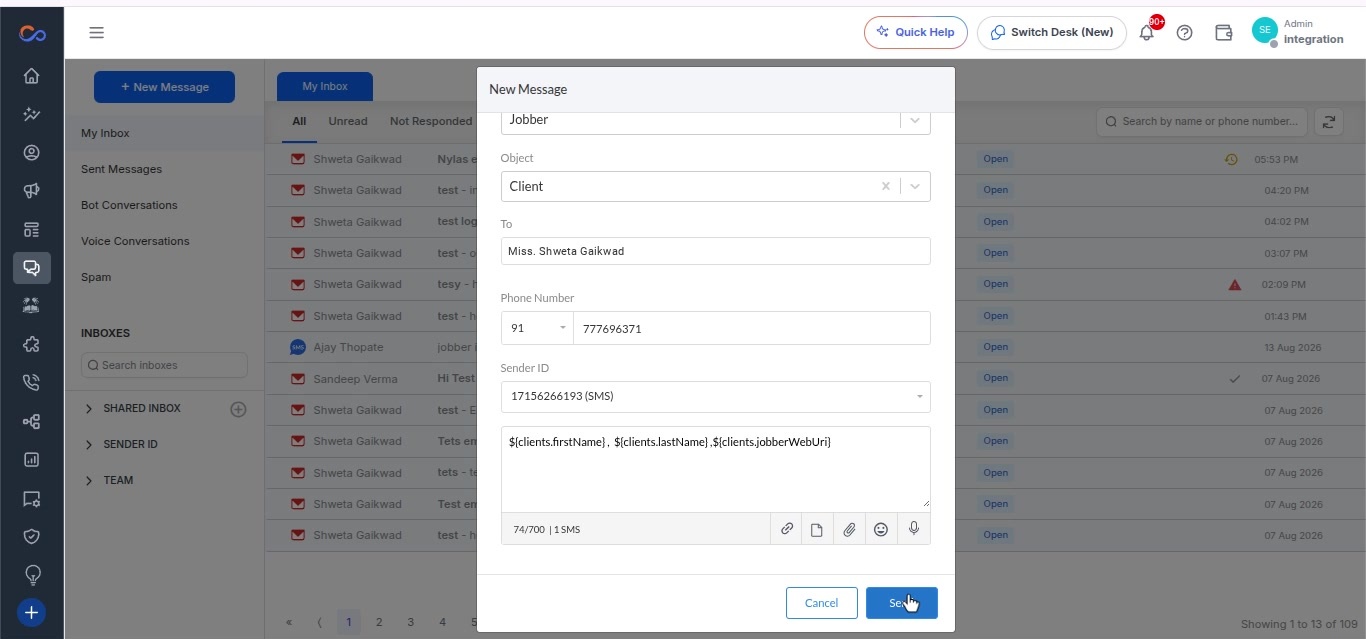
- A confirmation message appears indicating the message was sent successfully.
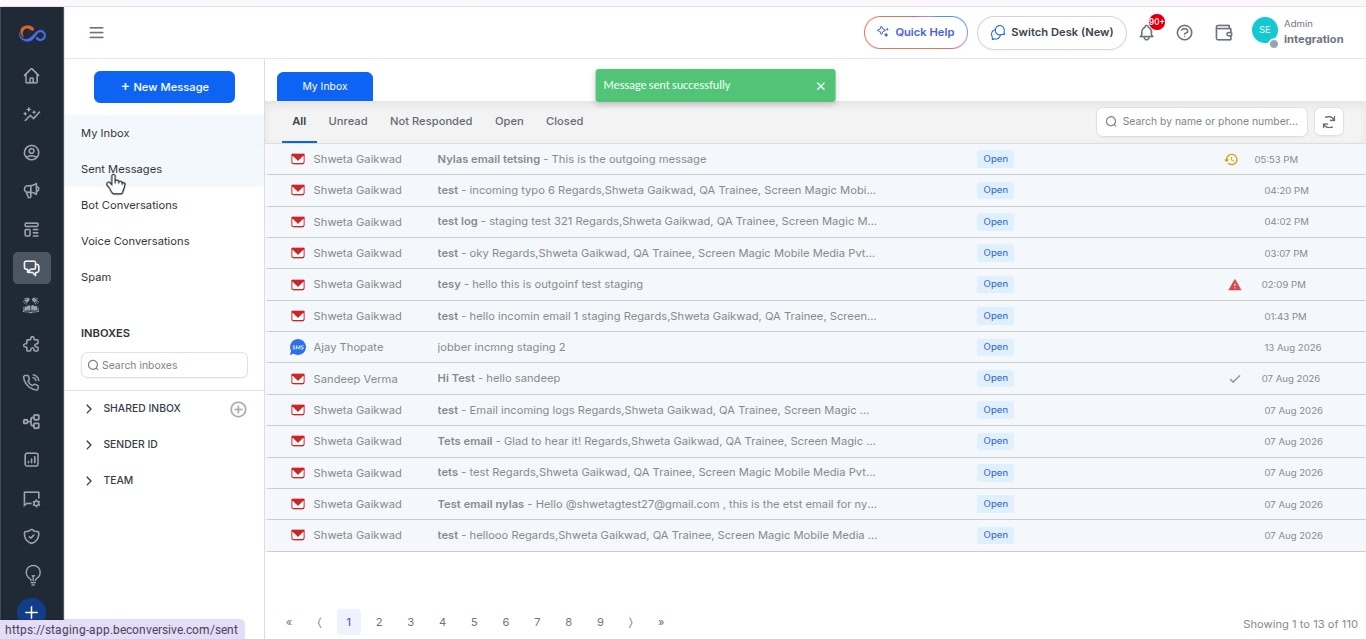
- In the navigation bar, click on Conversation History.
- Click on the message from Miss Shweta Gaikwad.
- A conversation panel opens on the right side showing the message details.