Monitoring Activity Logs
Steps to Monitor Activity Logs
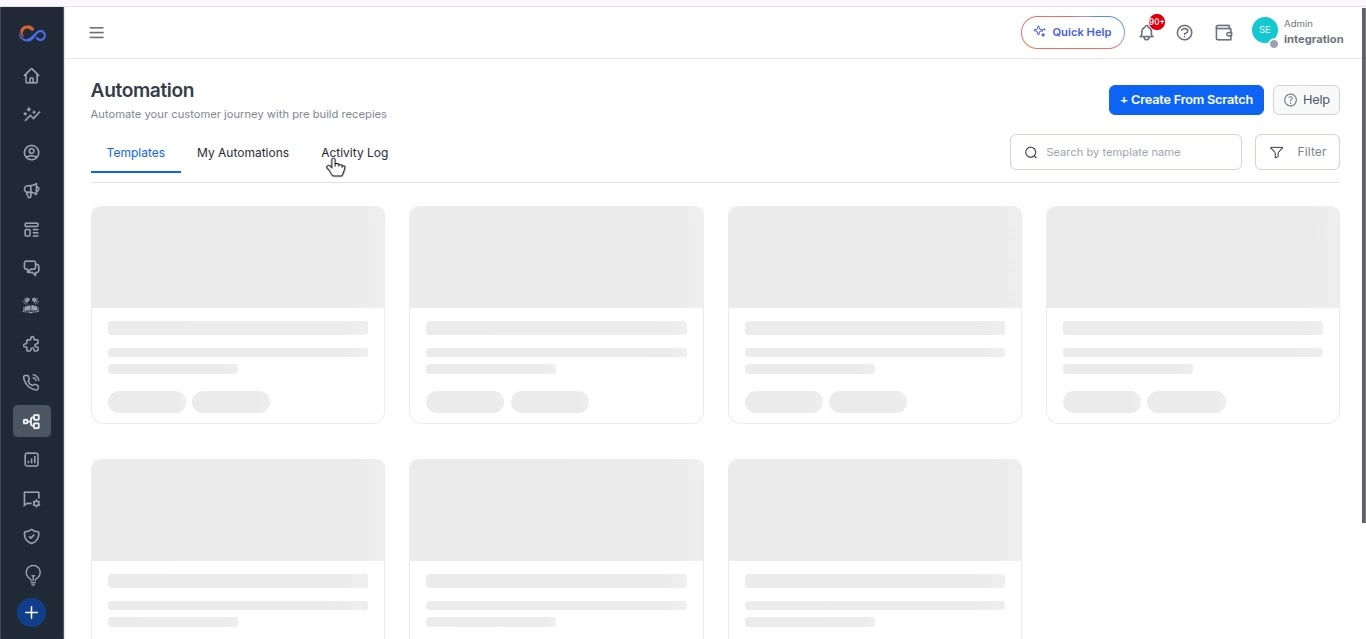
- Go to the Activity logs of Automation.
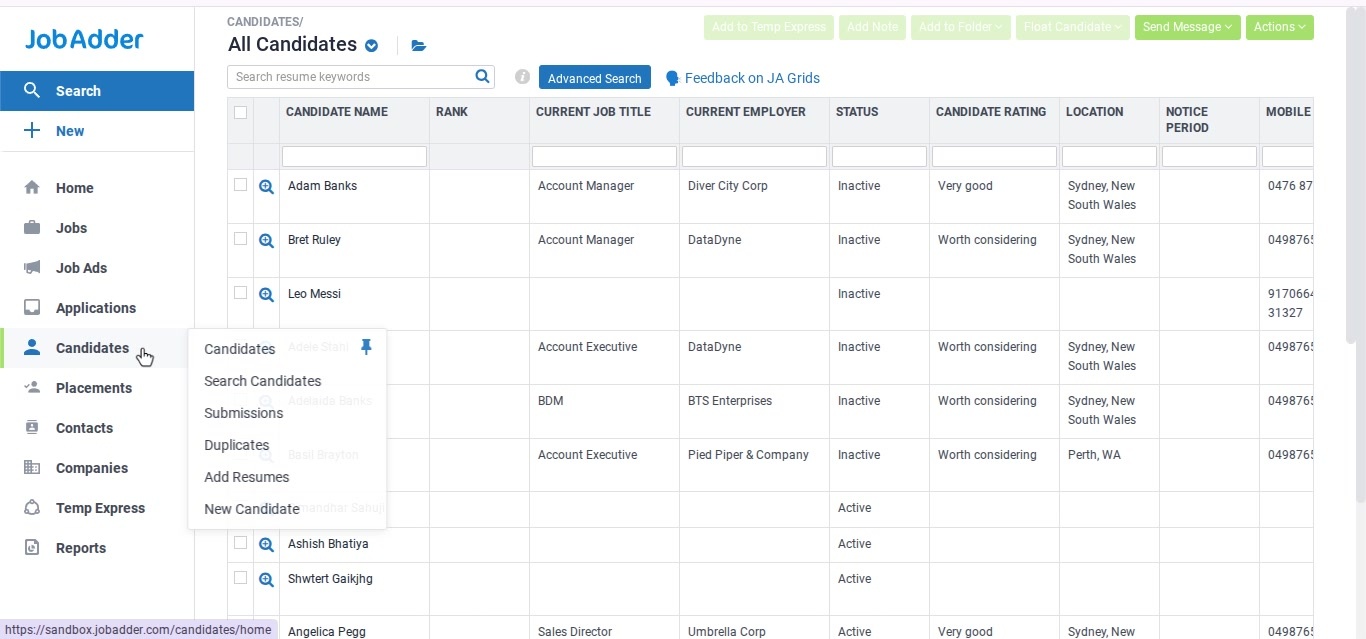
- In the JobAdder CRM, go to the Candidates list.
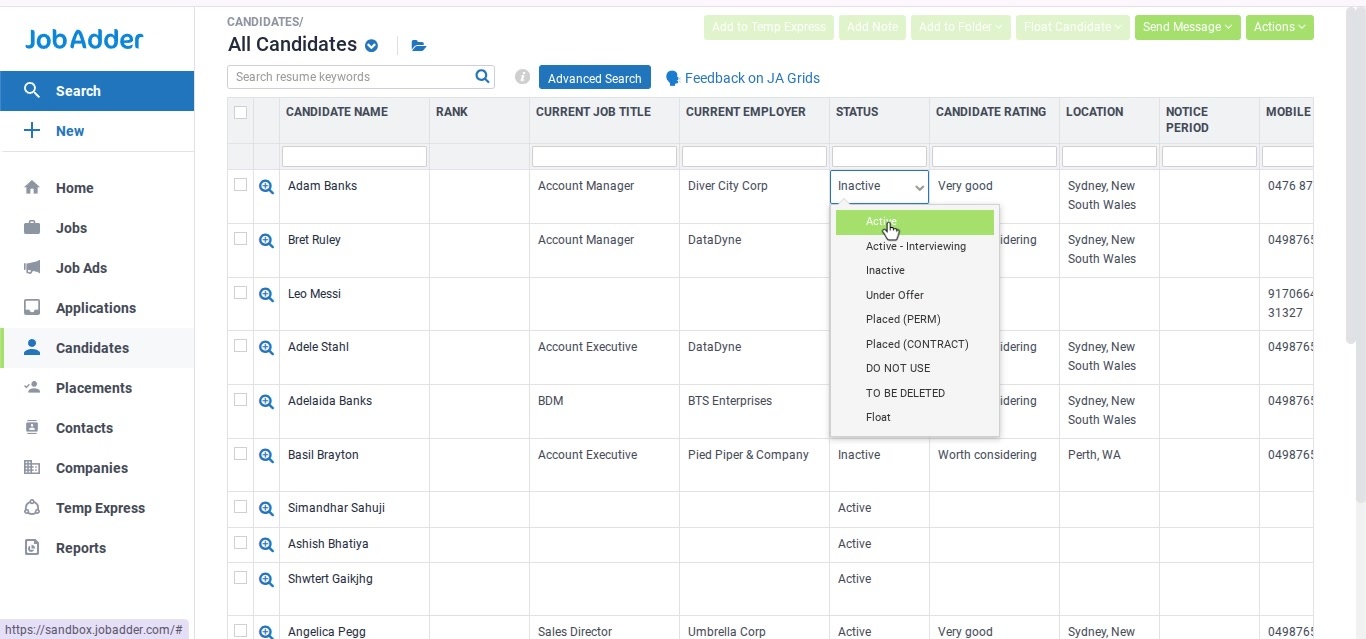
- Change the status of the Candidate to “Active” from the current one.
- In the activity log tab, click the Refresh icon to update the data.
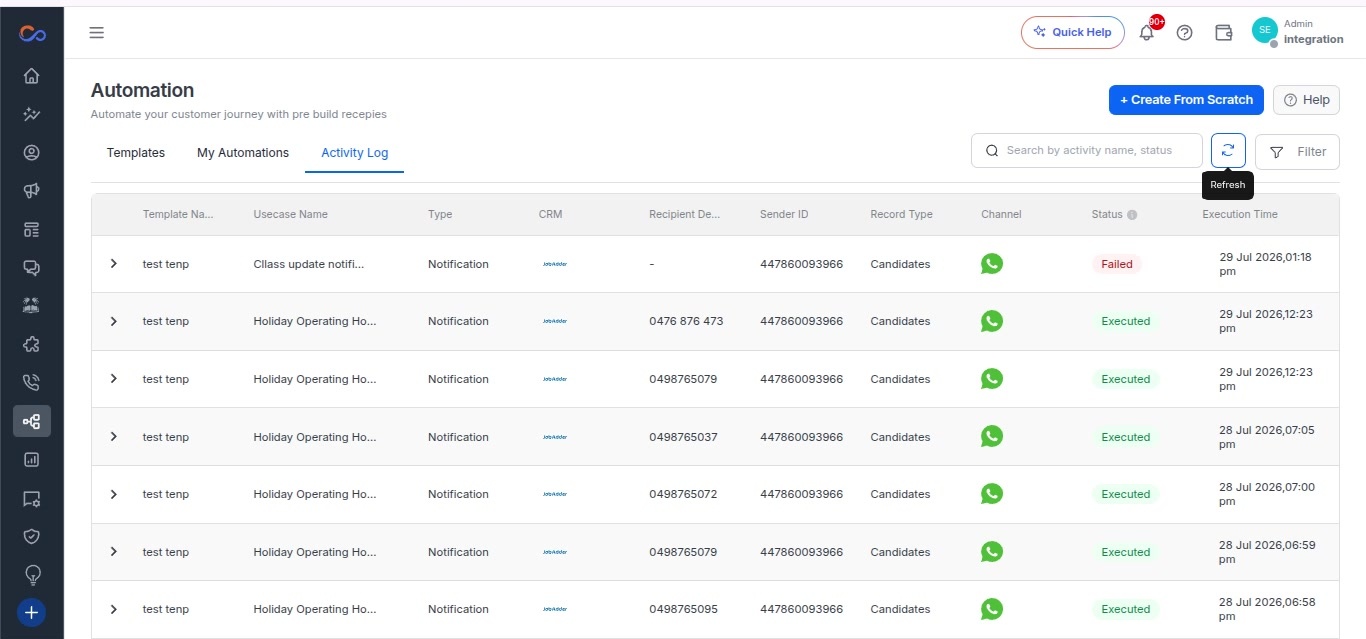
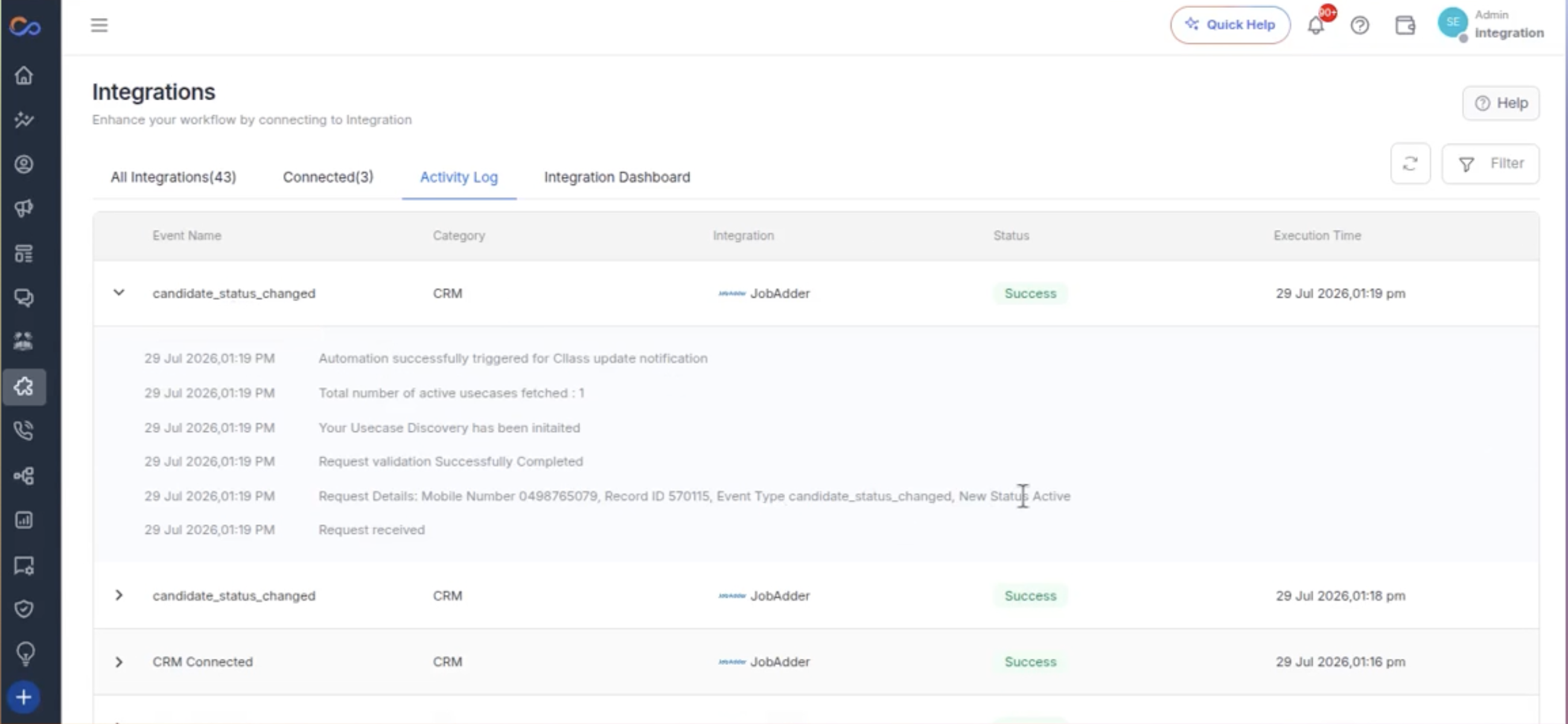
- You can see the entry created for the successful automation trigger.
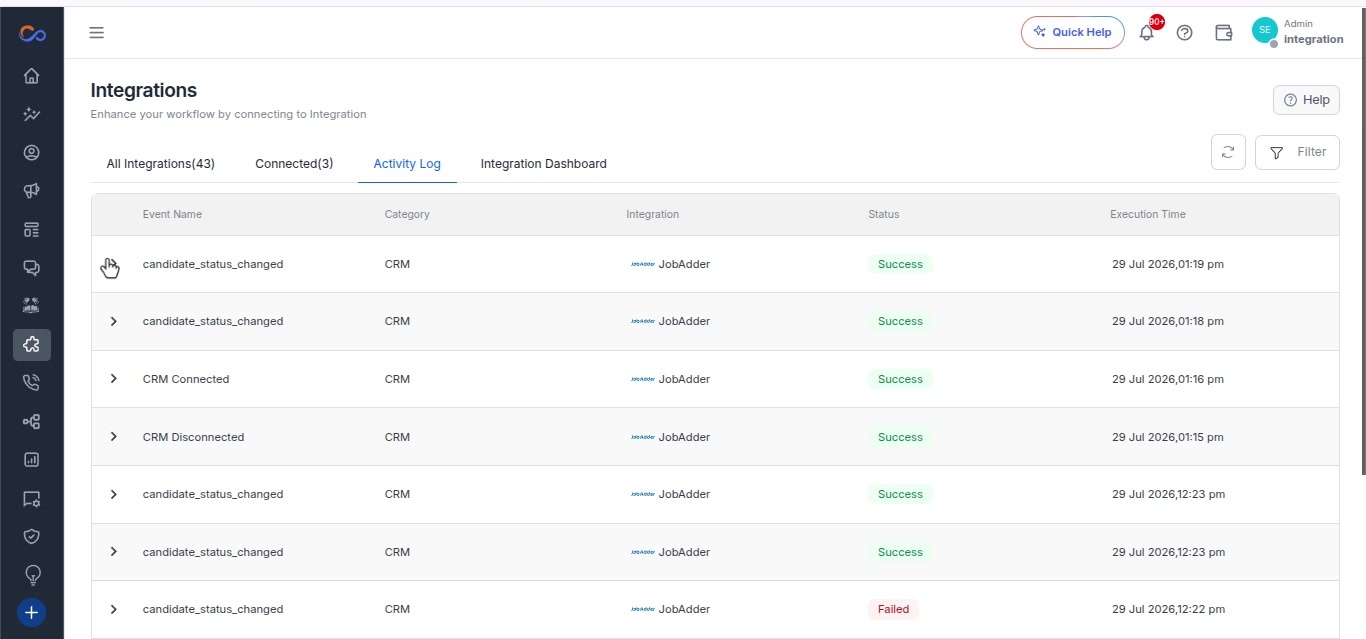
- In the integration activity log, you can see the entry for the event “Candidate Status Changed”.