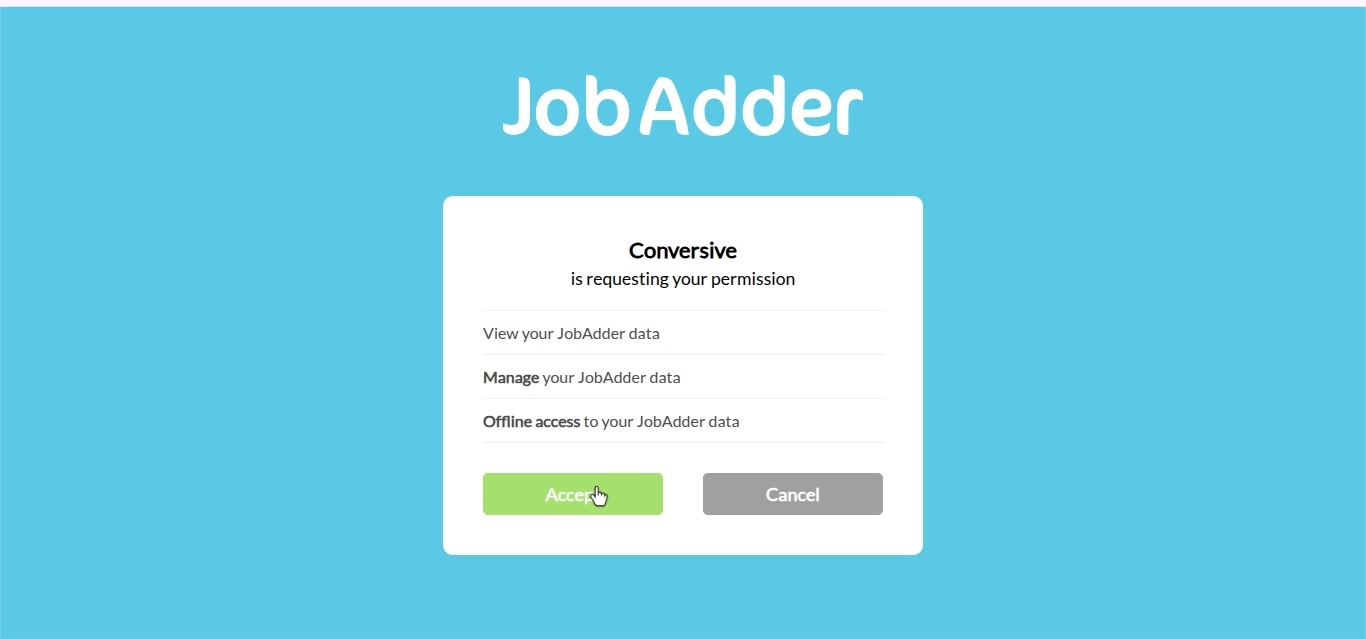
Conversive with JobAdder
How to Integrate JobAdder CRM in Conversive?
Conversive now offers an end-to-end integration with JobAdder, enabling recruiters to securely connect their accounts, access recruitment data, build targeted audiences, and automate candidate communications. With real-time recruitment events, JobAdder metadata, and automated webhook management, teams can deliver timely and personalized candidate engagement directly through Conversive.
Steps to integrate JobAdder
- Log into the portal and navigate to the integrations tab.
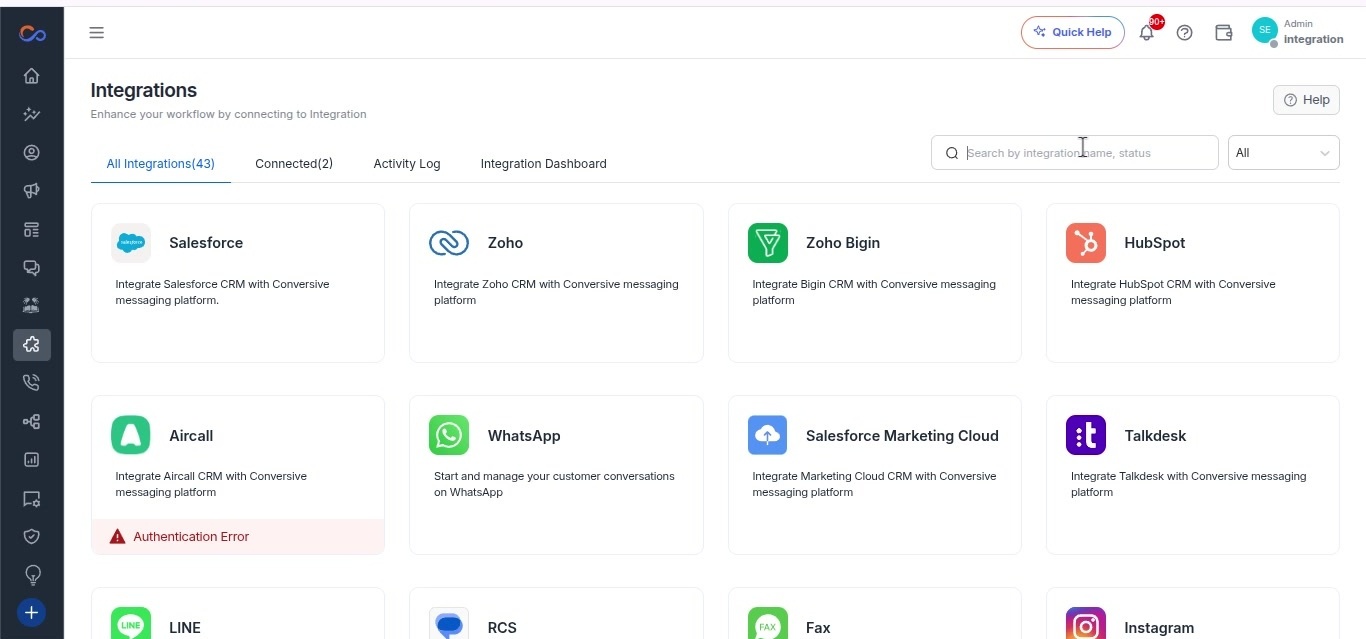
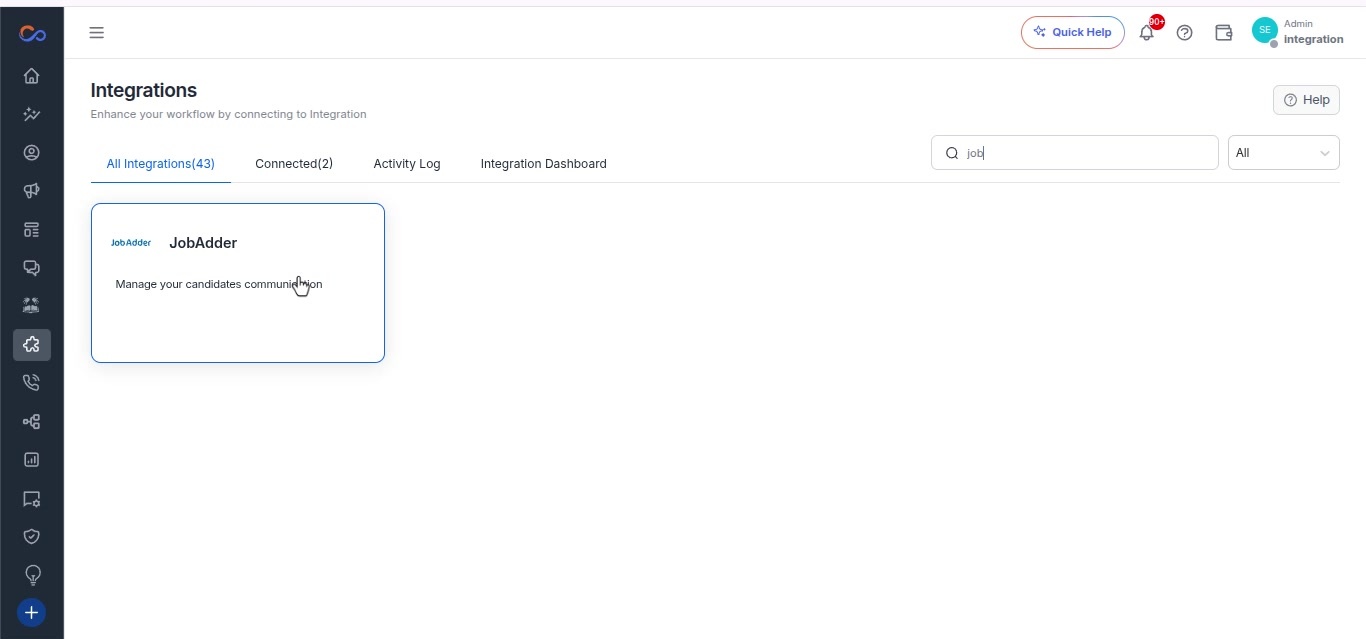
- Search for JobAdder in the integrations and select it.
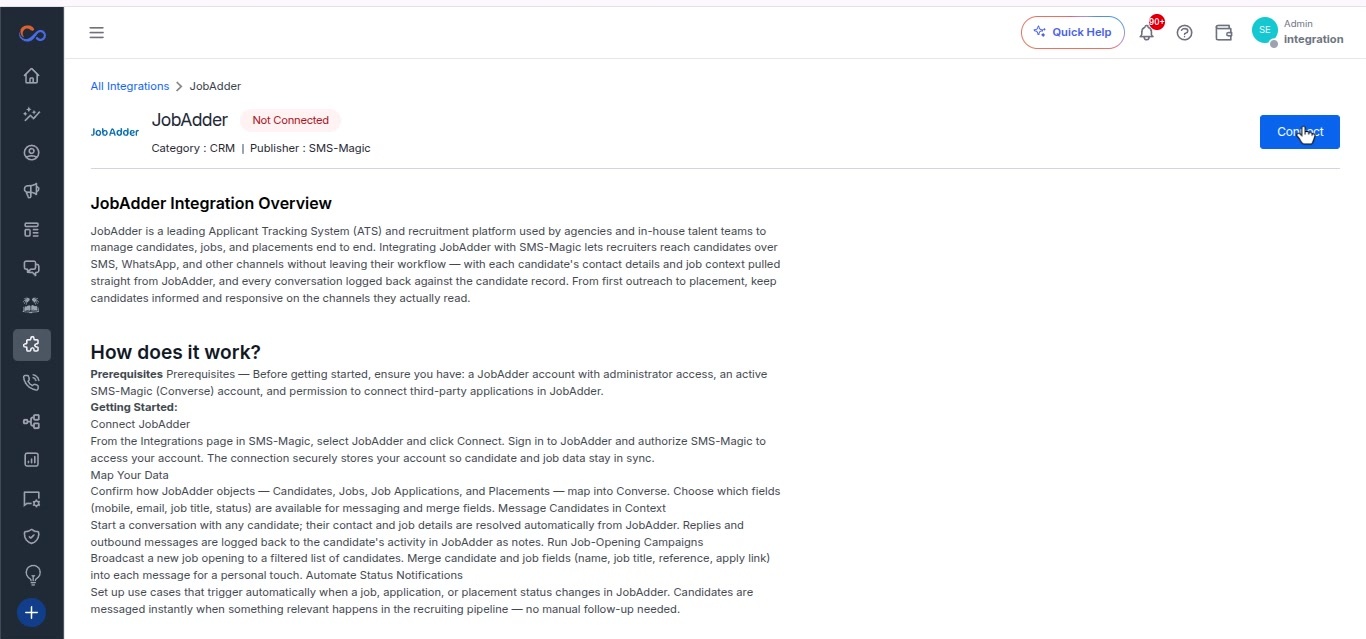
- Click on “Connect” on the overview page.
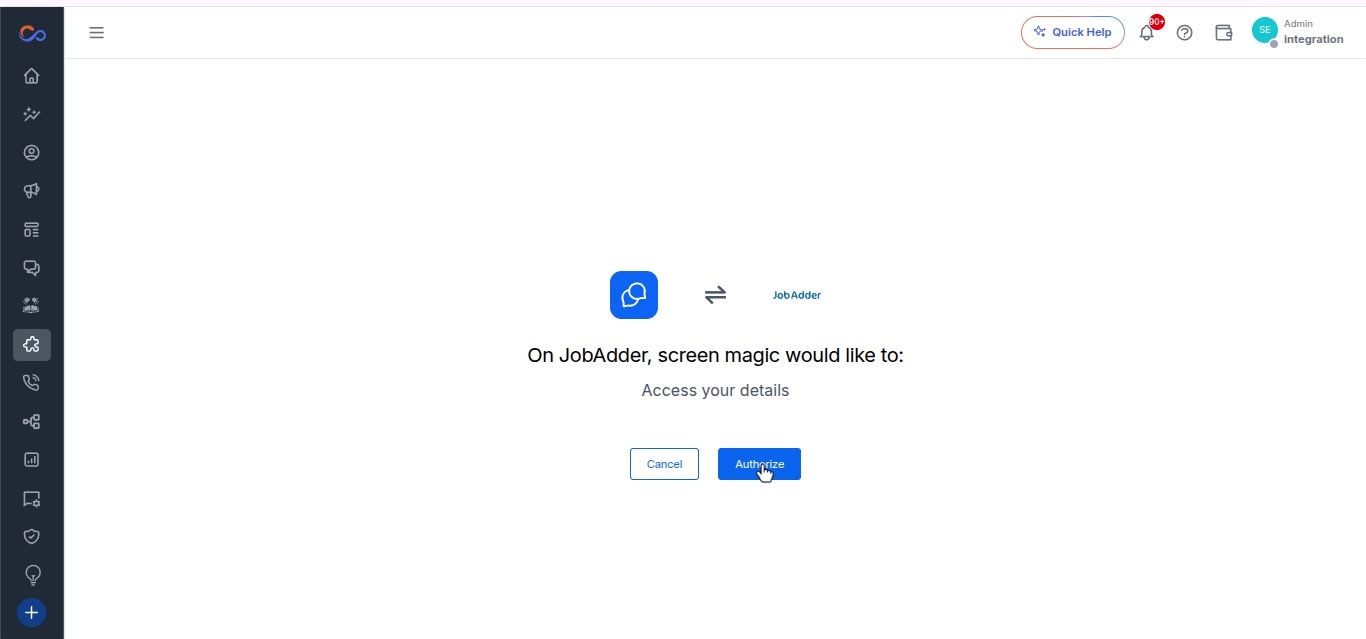
- Click “Authorize” to grant access to your details.
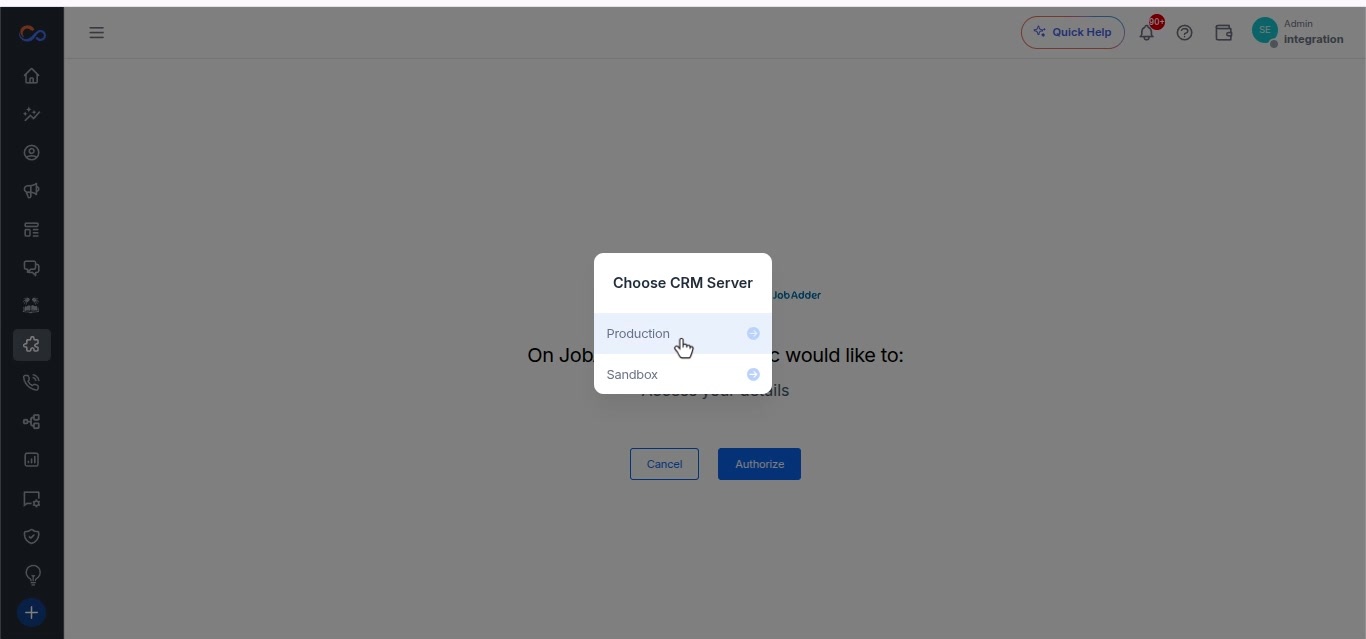
- Choose the environment from the available options.
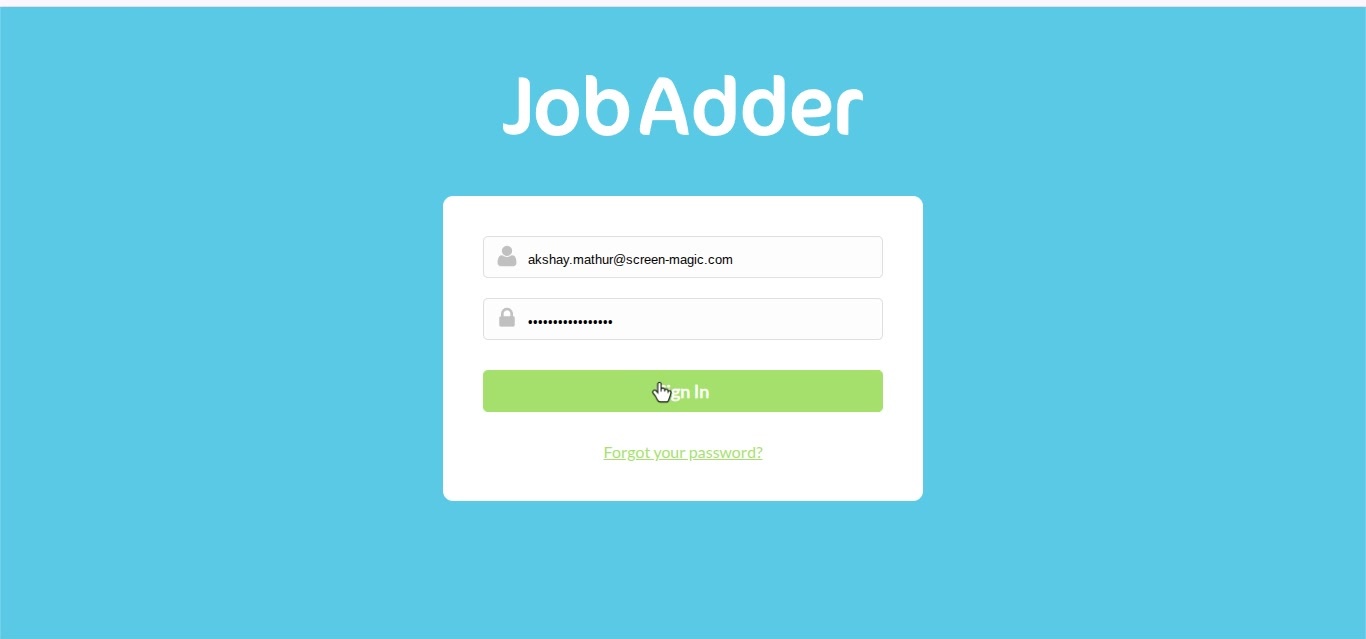
- Enter your email address in the login form.
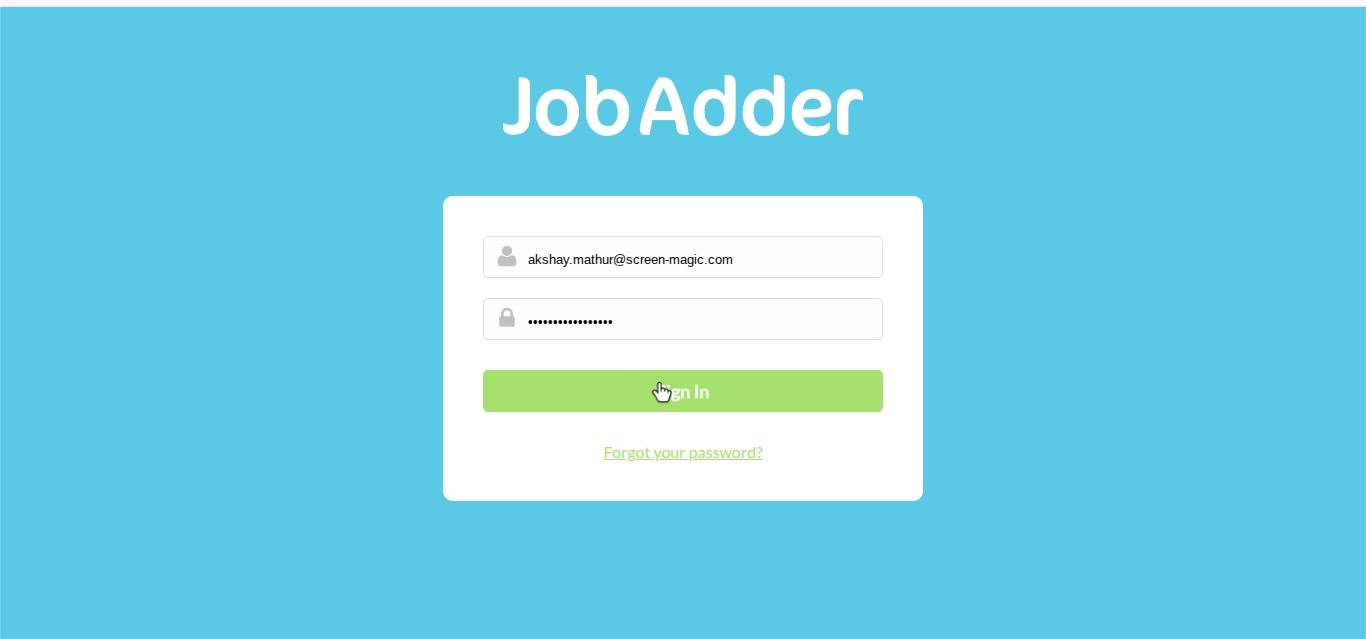
- Click the “Sign In” button on the login form.
- In the modal, click “Accept” to grant permissions.