
Integrate Your Provider
How do I integrate my Provider?
To integrate your provider, log in to your conversive account.
- Navigate to the Integration page.
- Find the providers from the “messaging” as a filter.
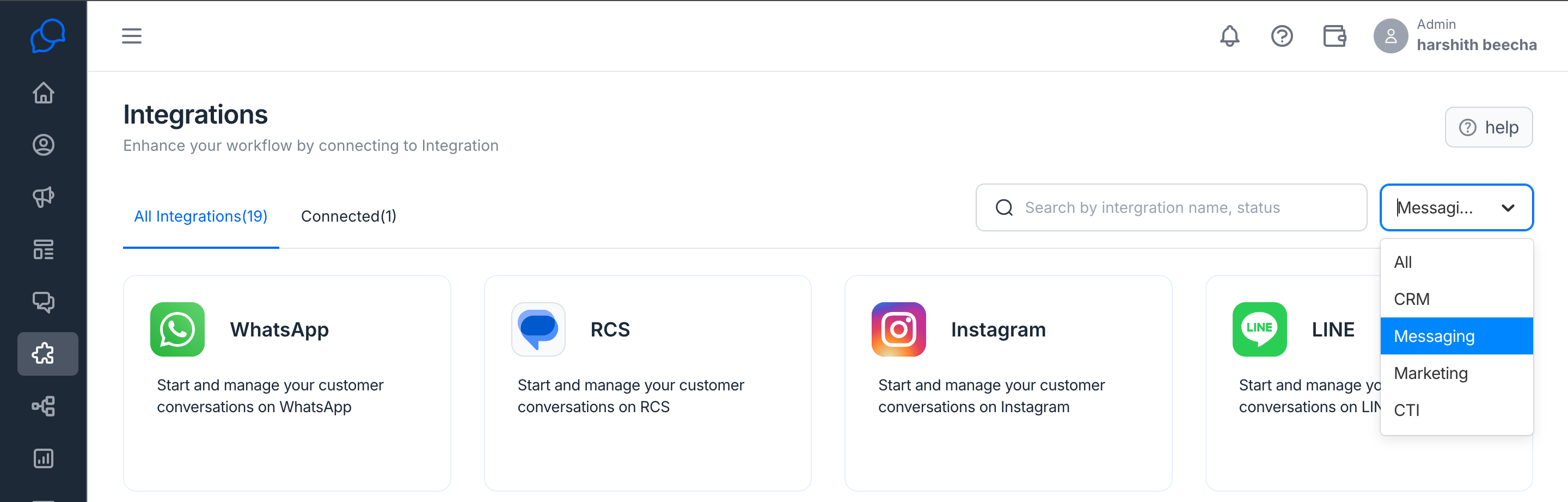
- You can find all the provider integrations here.
Note: if you have any new provider that is not listed here, you can email us at care@conversive.ai to check the availability of that particular provider.
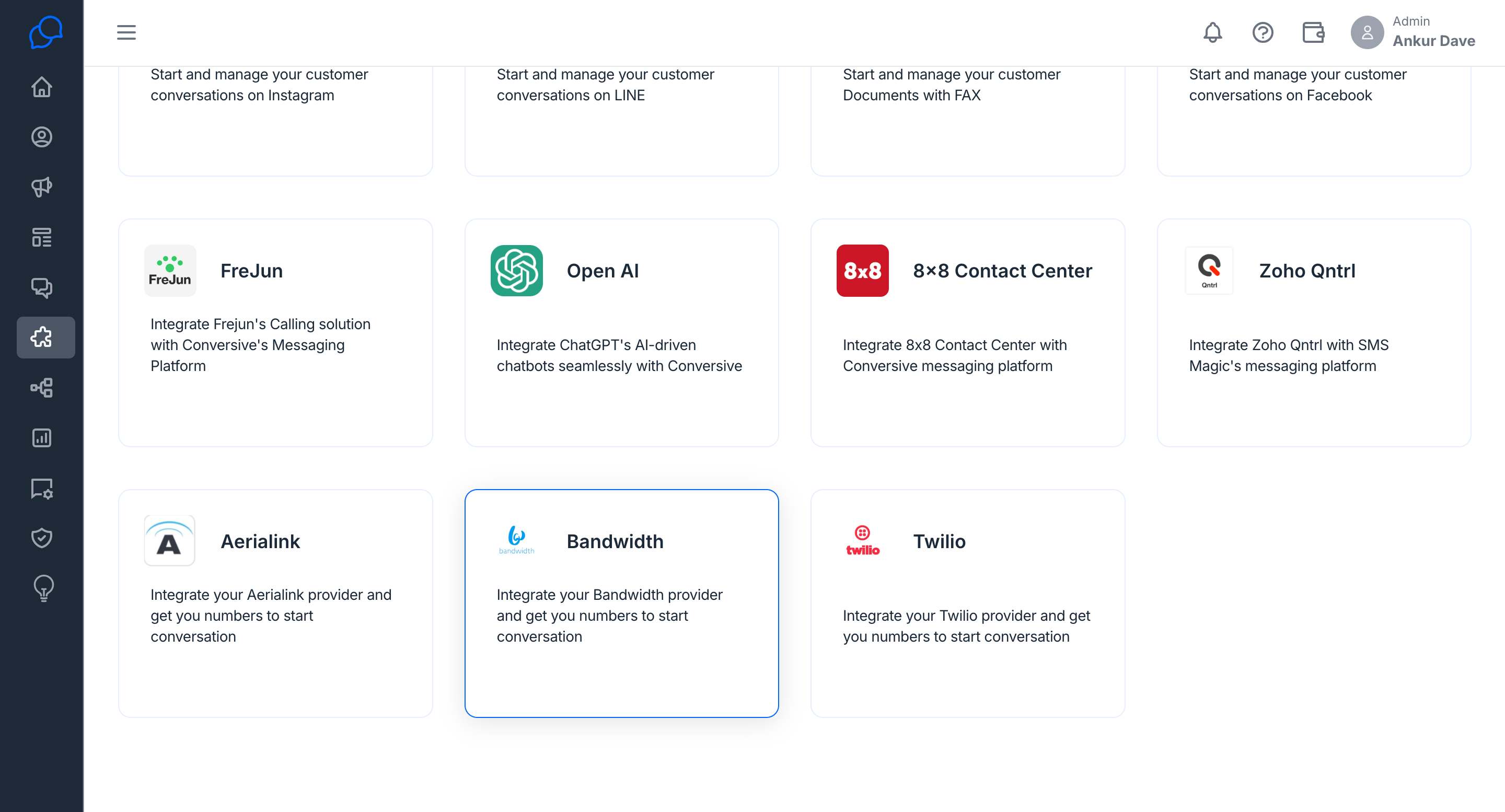
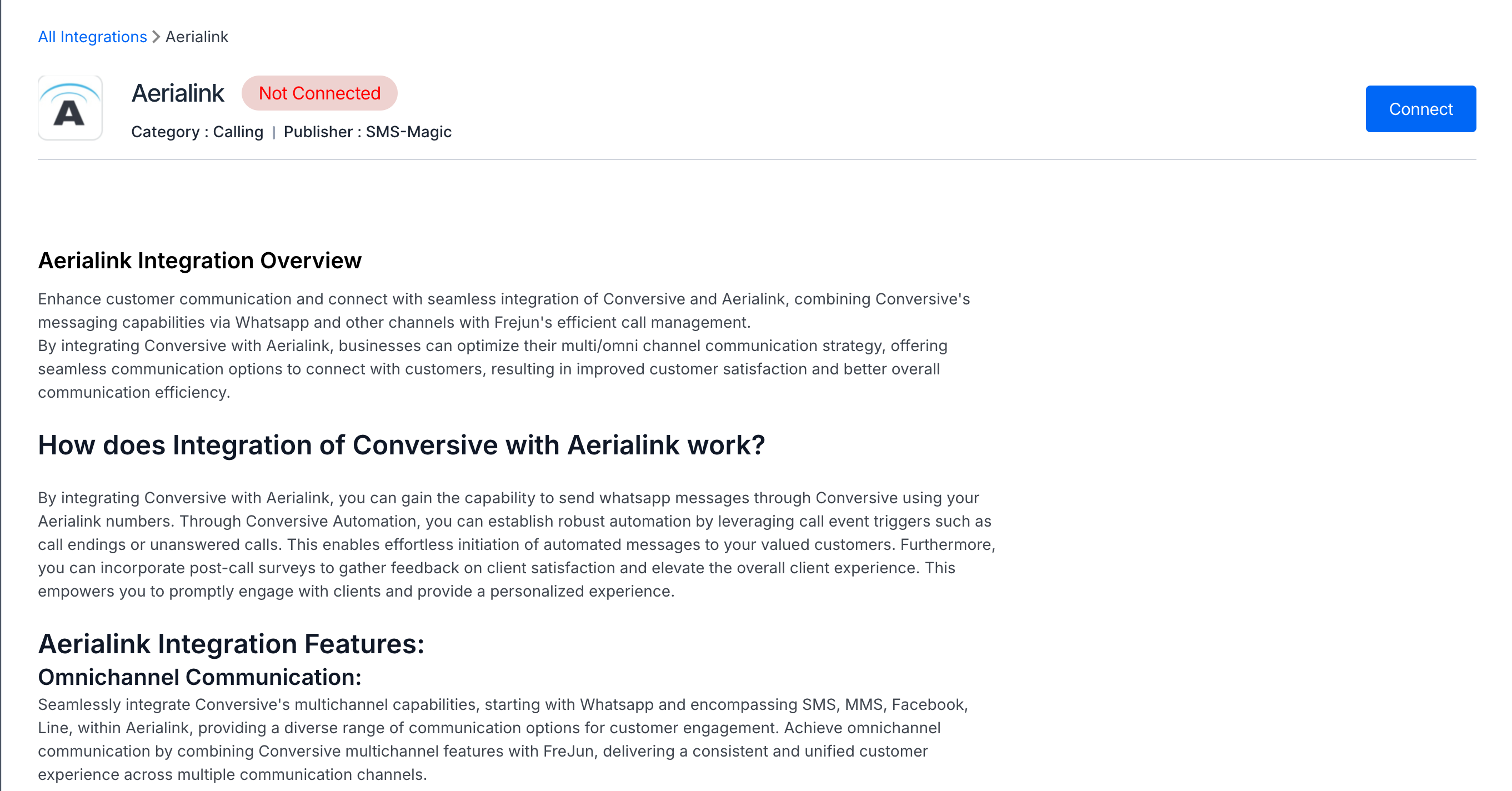
- Click on the provider with which you have the number. Click connect.
- Provide the details you get from your provider to establish the connection between the conversive and your provider.
- Add the number that you have with your provider.
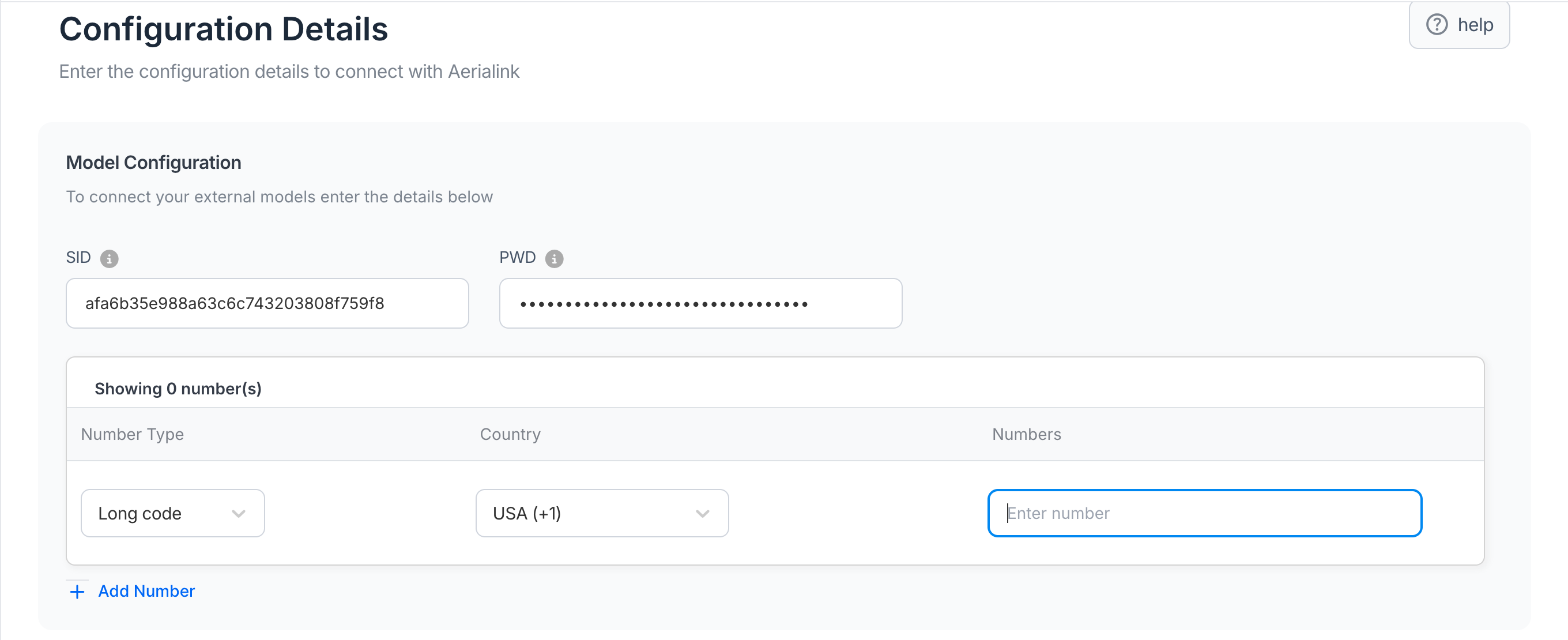
- Configure the delivery and incoming webhooks at your provider end to sync both conversive and your provider.