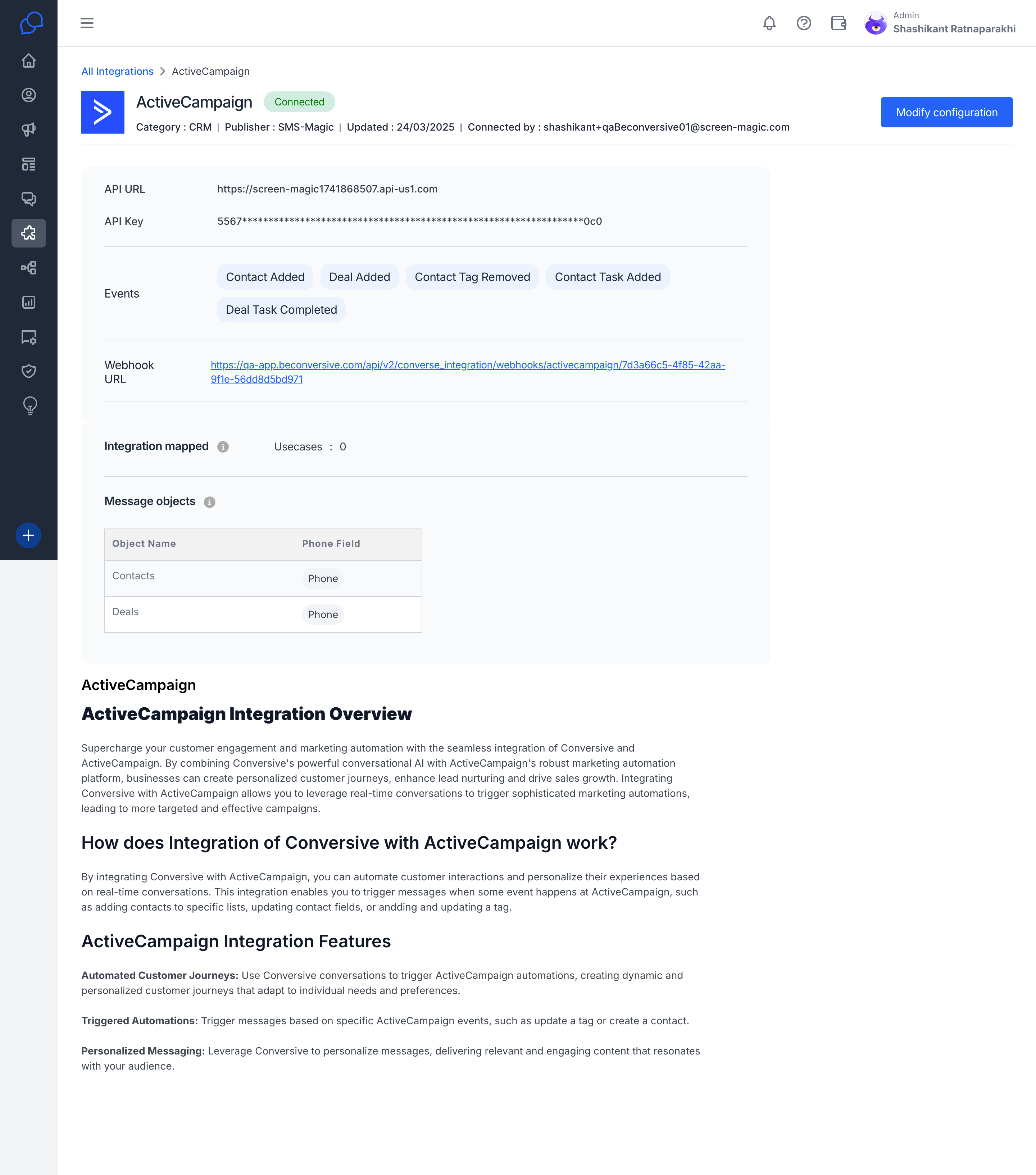
Integrate with ActiveCampaign
How to Integrate ActiveCampaign with Conversive?
Video on how to integrate ActiveCampaign
Easily connect your ActiveCampaign account with Conversive to automate messaging and manage conversations seamlessly. Follow these simple steps:
Step 1: Access Integrations in Conversive
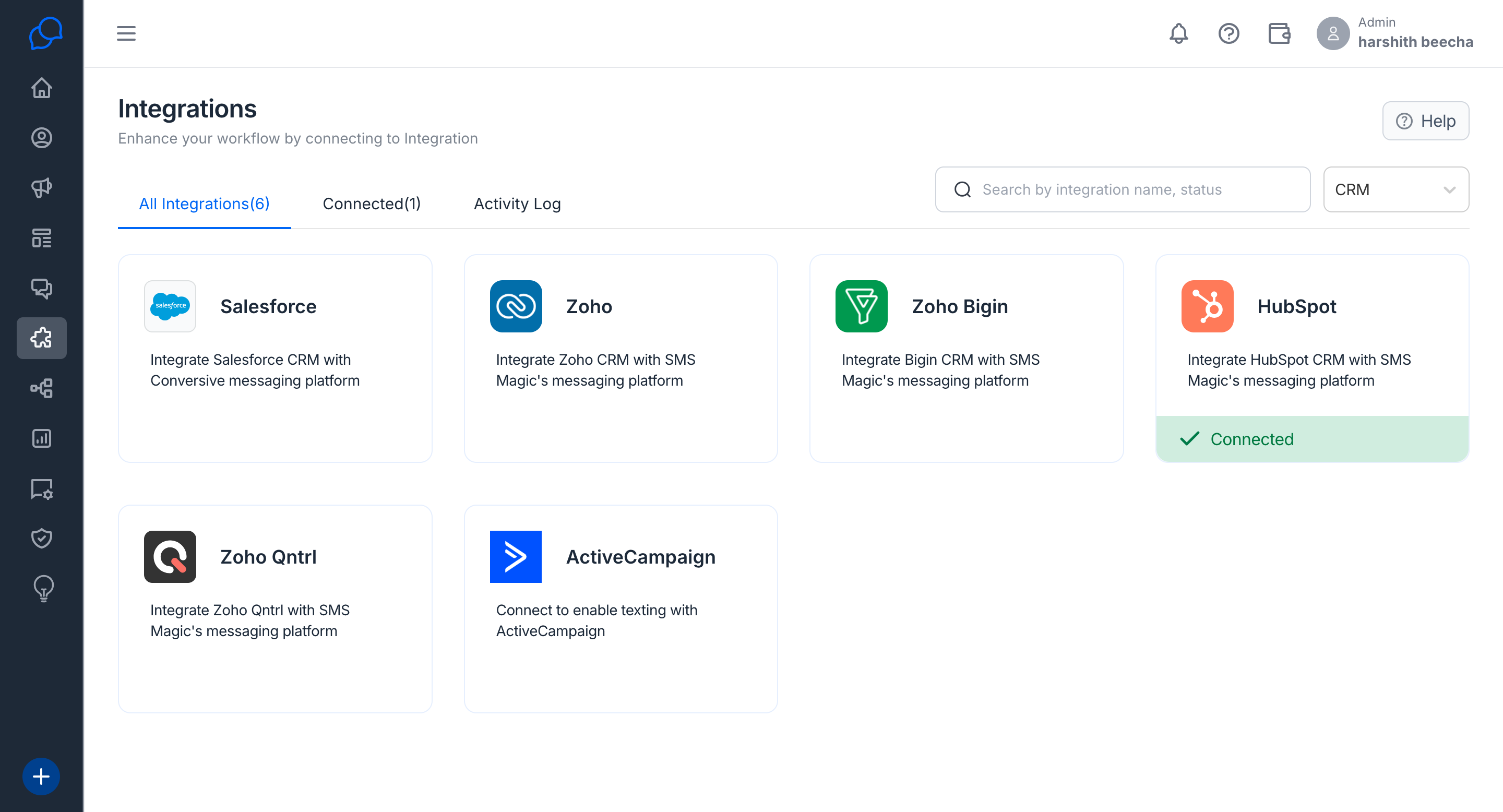
- Log in to your Conversive account.
- Go to the Integrations section.
- Look for ActiveCampaign in the list.
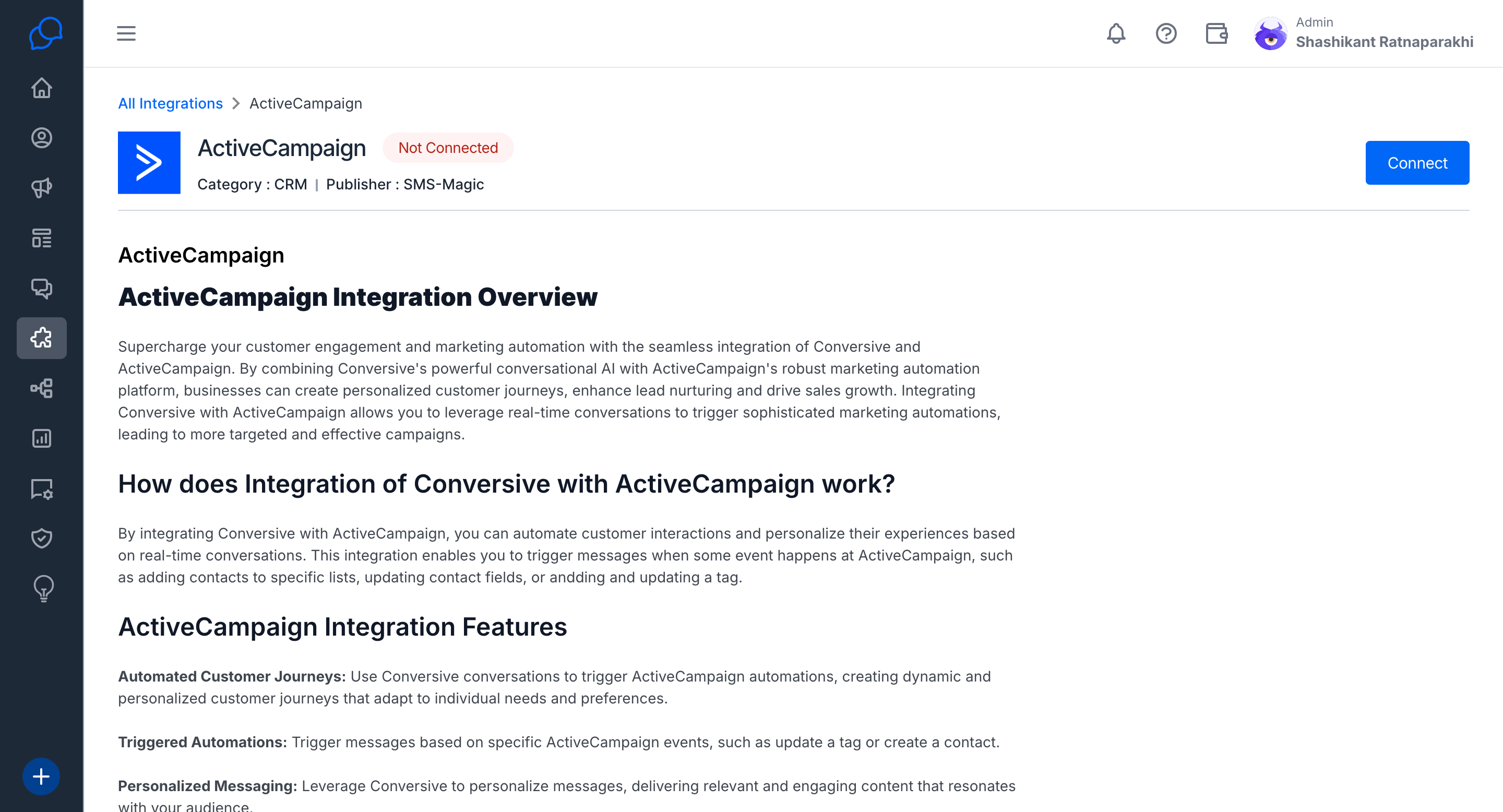
- Click Connect in the top-right corner.
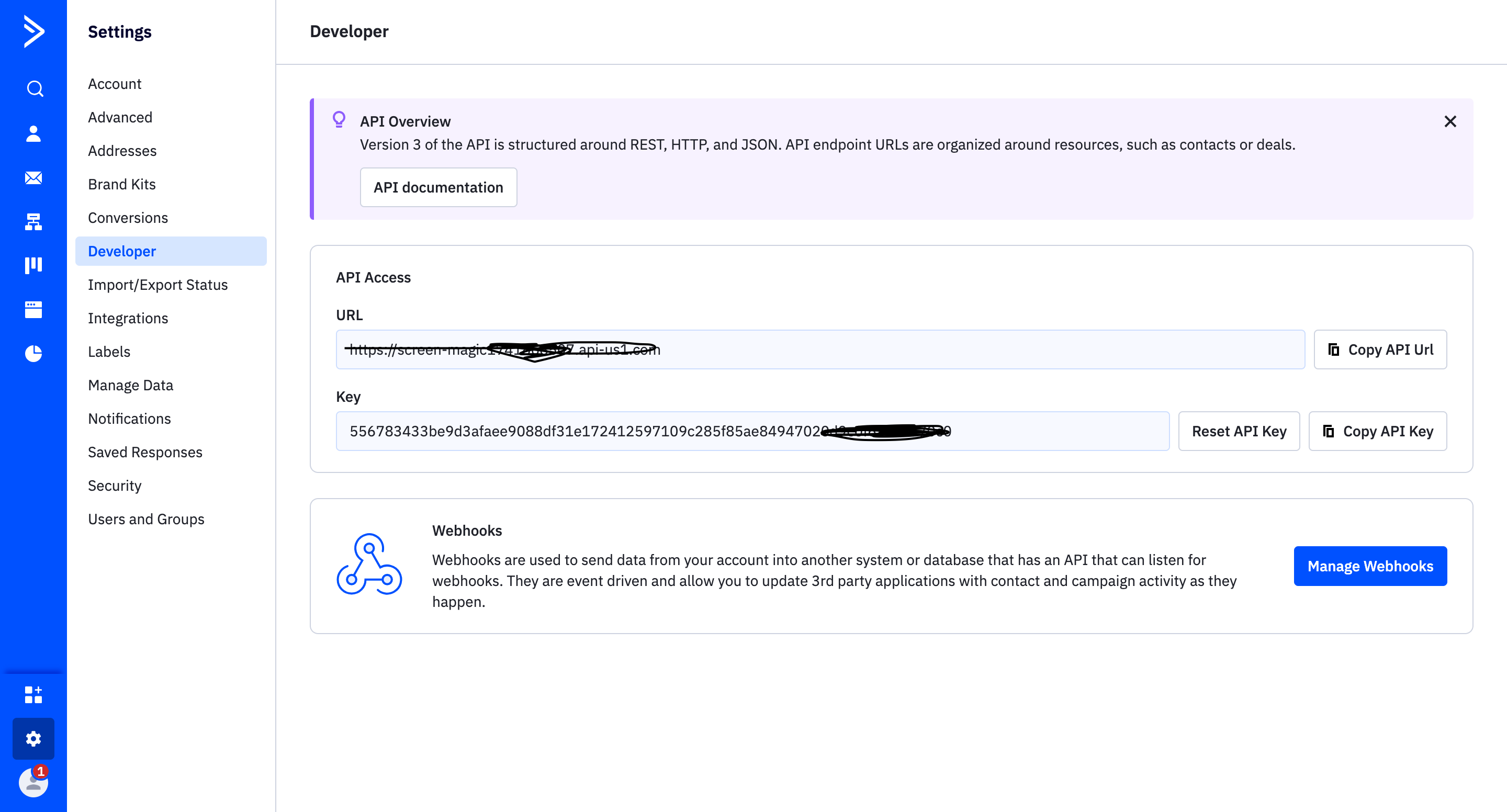
Step 2: Get API Credentials from ActiveCampaign
- Open your ActiveCampaign account.
- Navigate to Settings → Developer Options.
- Copy the API URL and API Key from this page.
Step 3: Complete the Integration in Conversive
- Return to Conversive and go to the ActiveCampaign integration section.
- Paste the API URL and API Key into the required fields.
- Click Create to establish the connection.
Step 4: Configure Messaging Events
- Edit the configuration to define the events that should trigger automated messages.
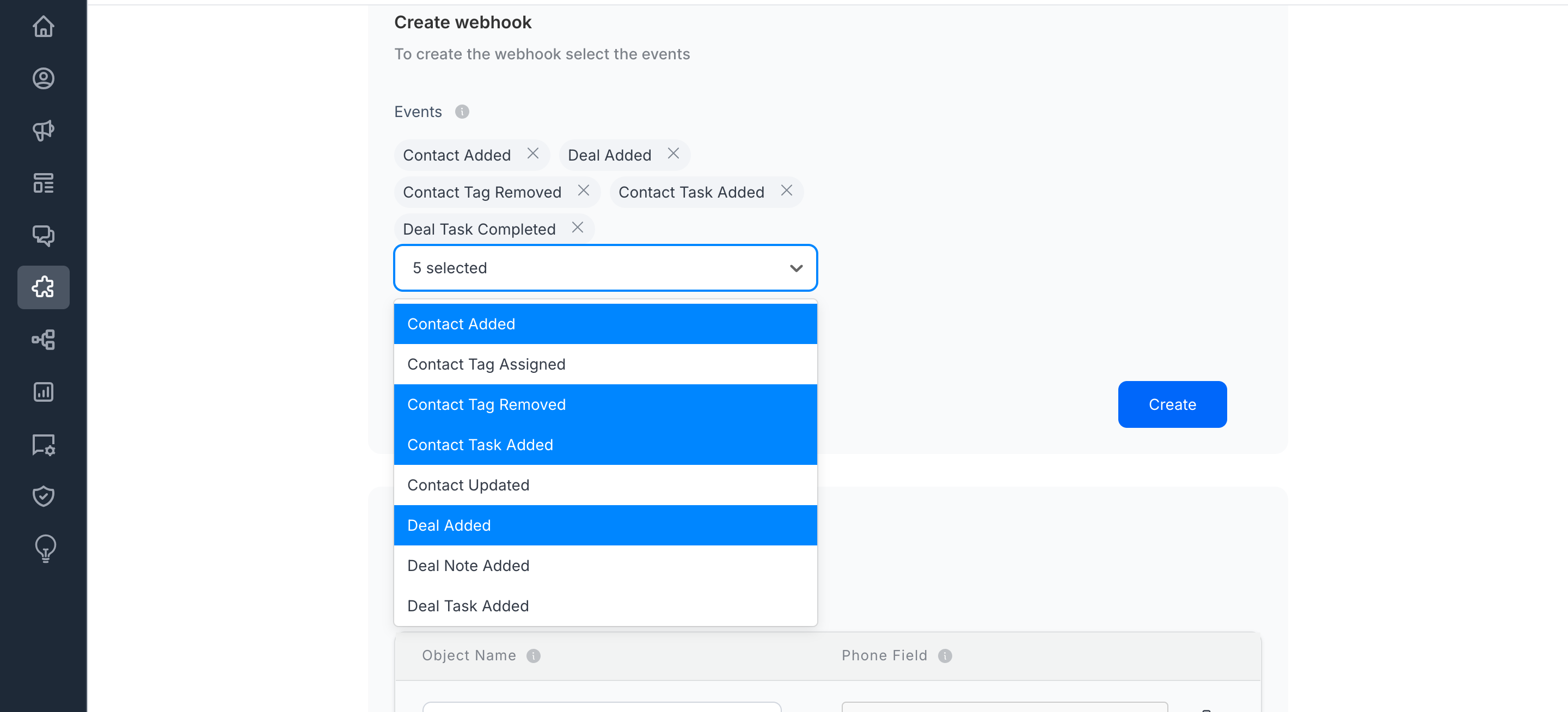
- Add messaging objects that will be used to send messages from Conversive.
- Click Save to finalize the setup.
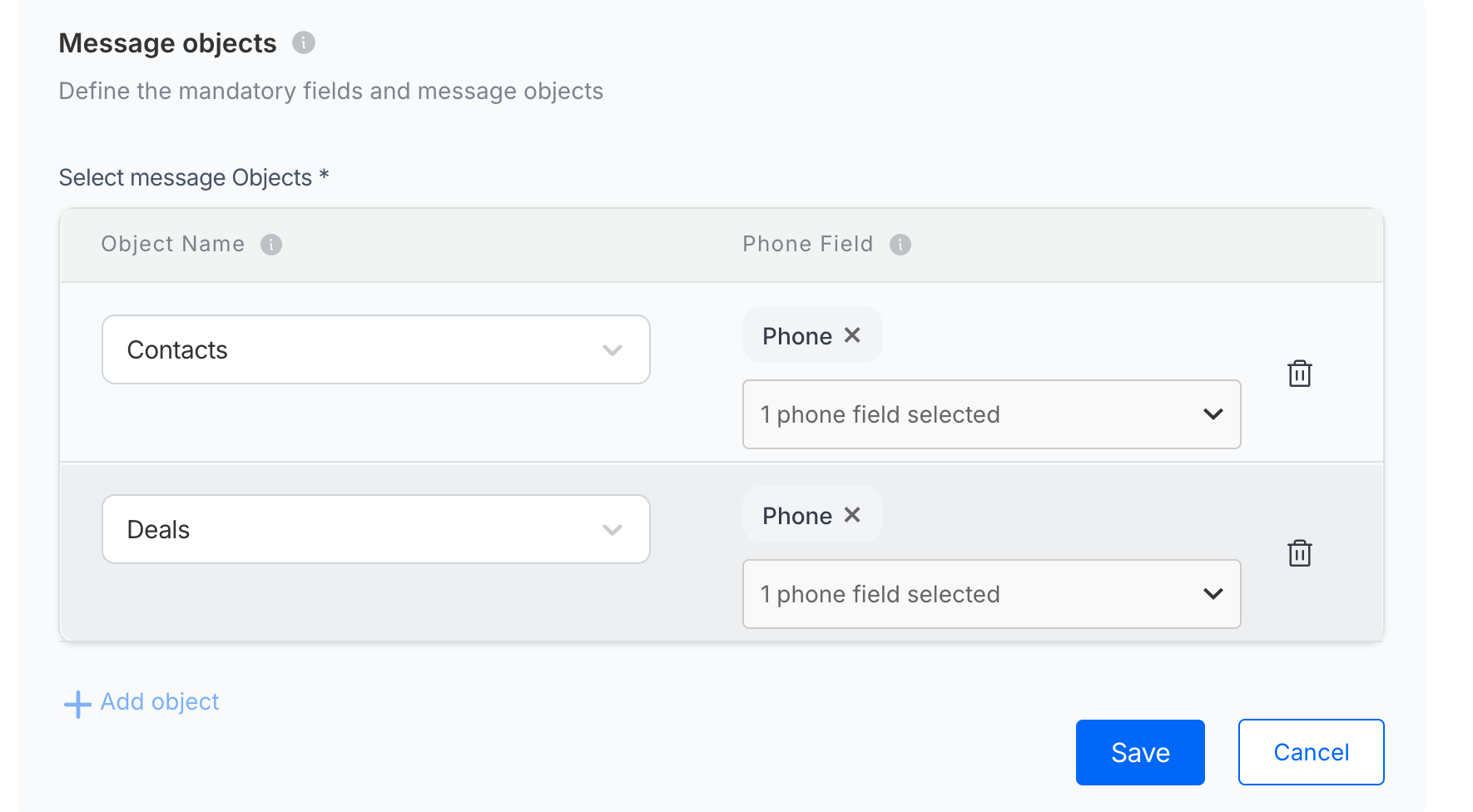
Your ActiveCampaign integration is now complete! Conversive will automatically send messages based on the deal updates you’ve configured.