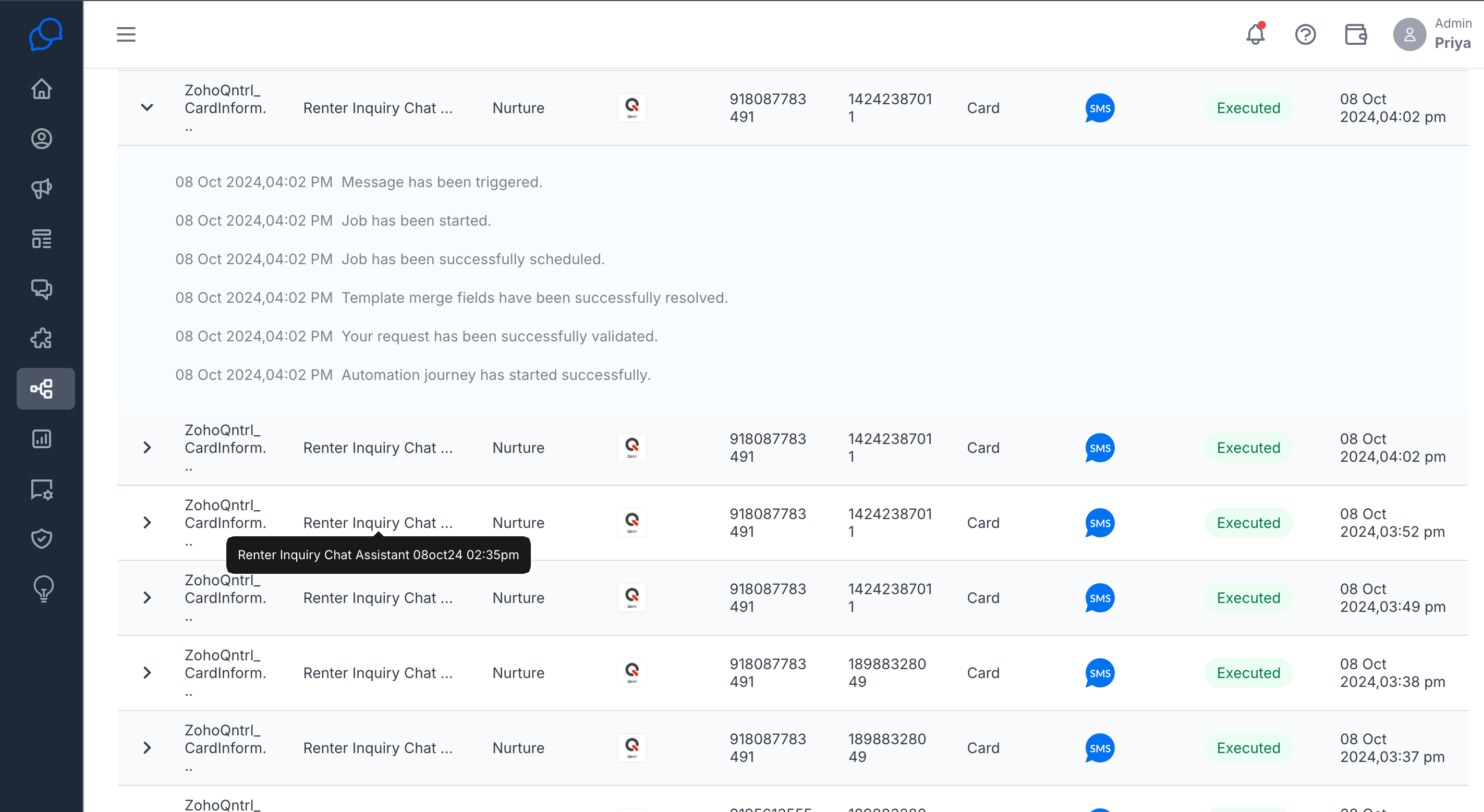
Automate Messages with Zoho Qntrl
How can I trigger messages from Zoho Qntl?
To trigger the Zoho Qntrl, you need to be enabled with the following requisites.
- Integrate Zoho Qntrl with Conversive.
- Configure the objects that you want to use in the messaging objects under the integrations tab.
How do you configure automated messages?
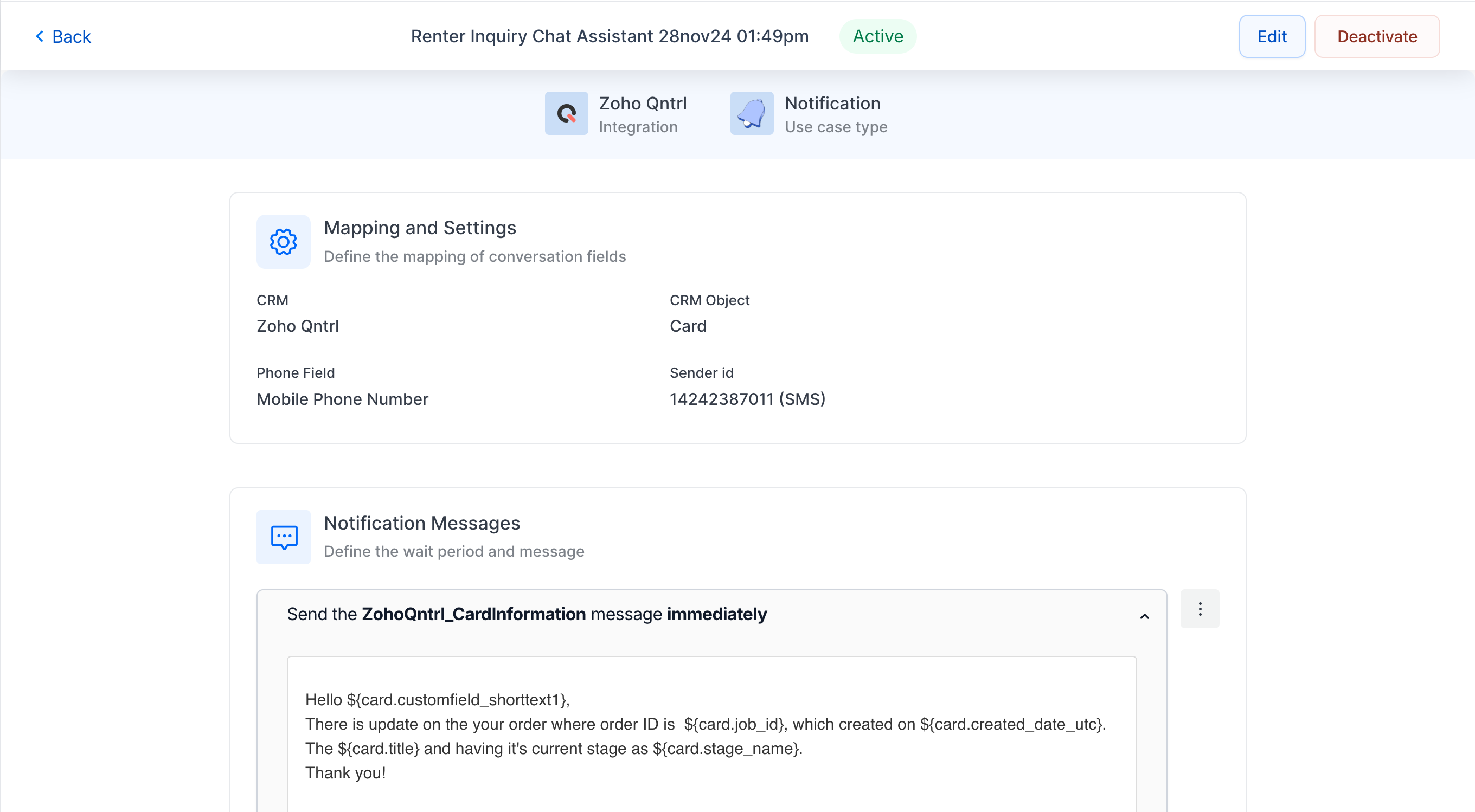
Select an automation in the Automation Library that is made for Zoho Qntrl and your preferred channel.
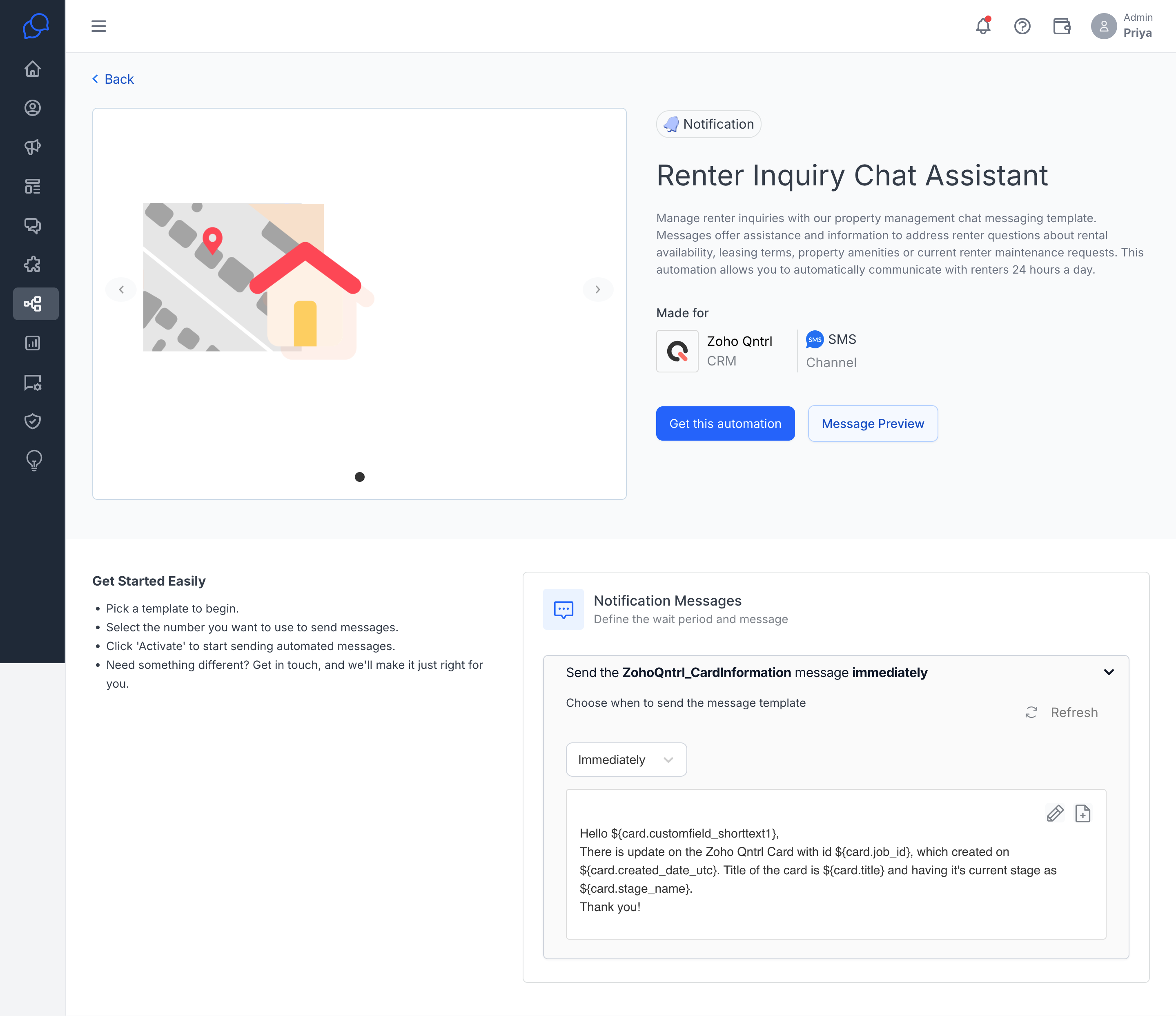
Configure your CRM objects and Phone Field and select the sender ID.
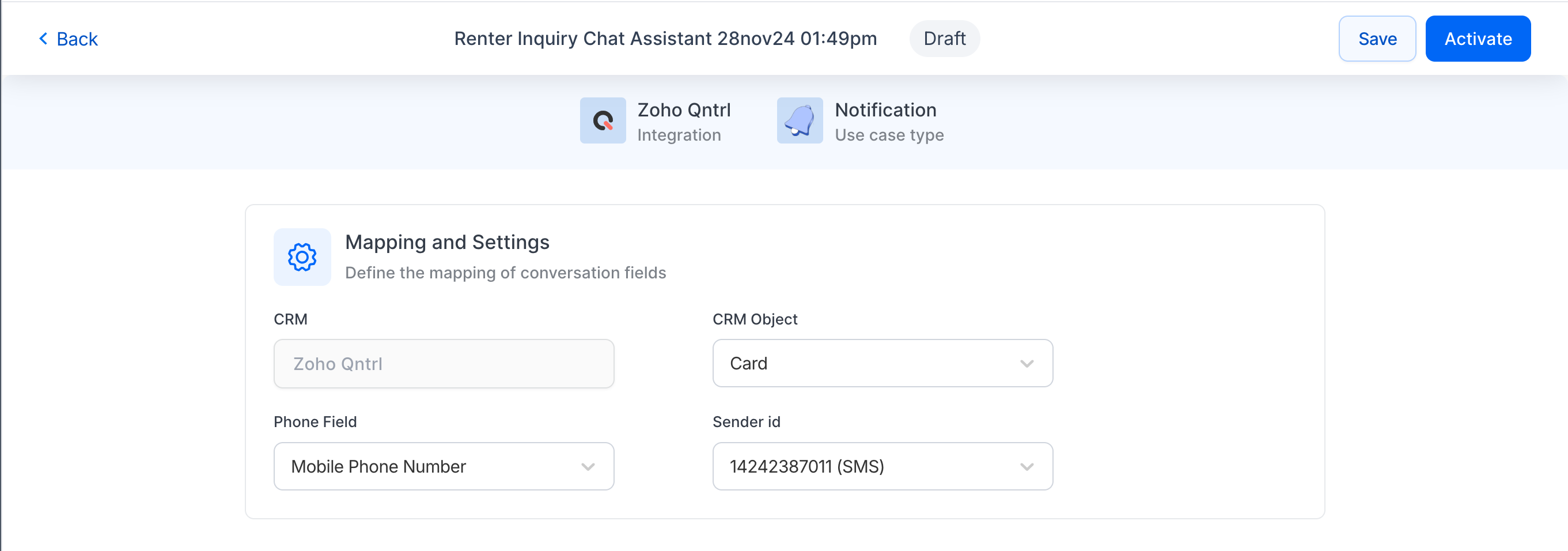
- Select the message template
- Provide the when the message should be sent after the trigger.
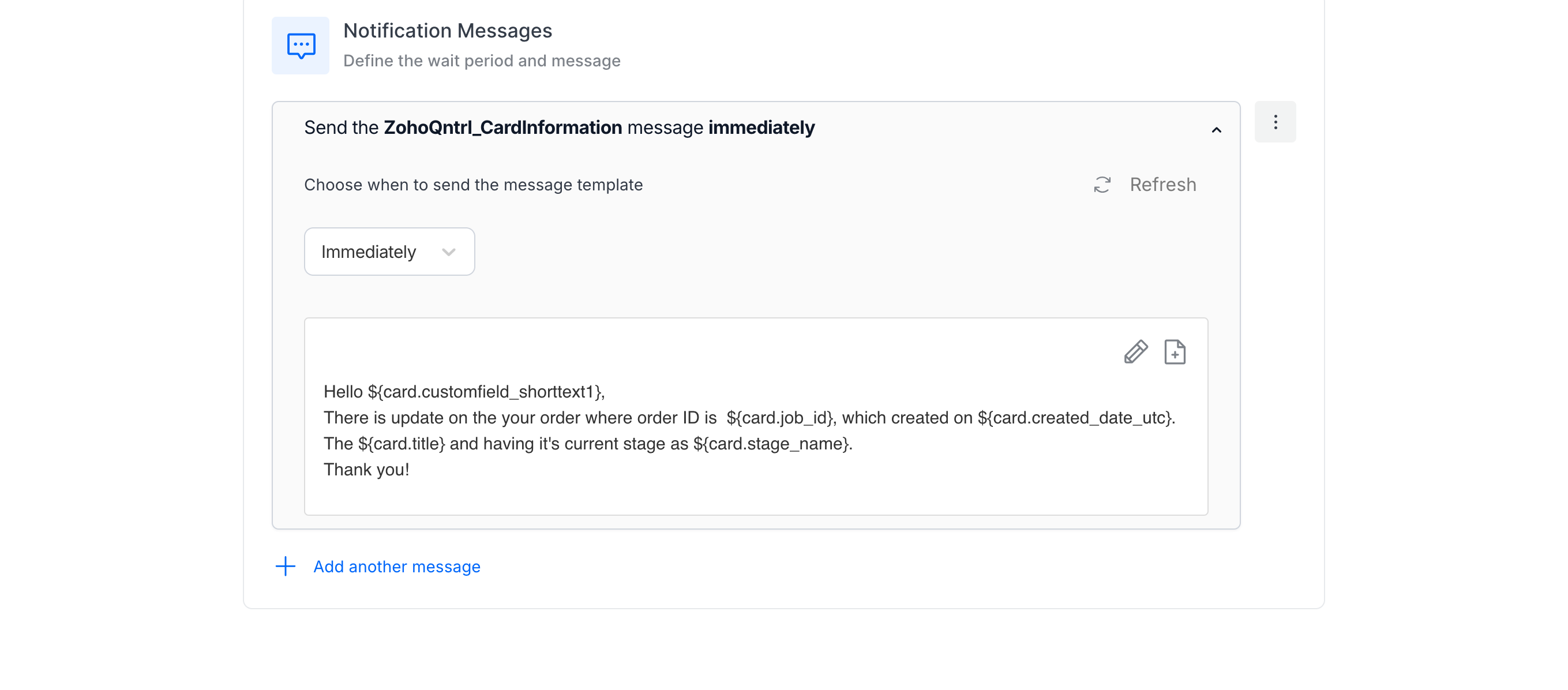
Activate the Usecase after the configurations
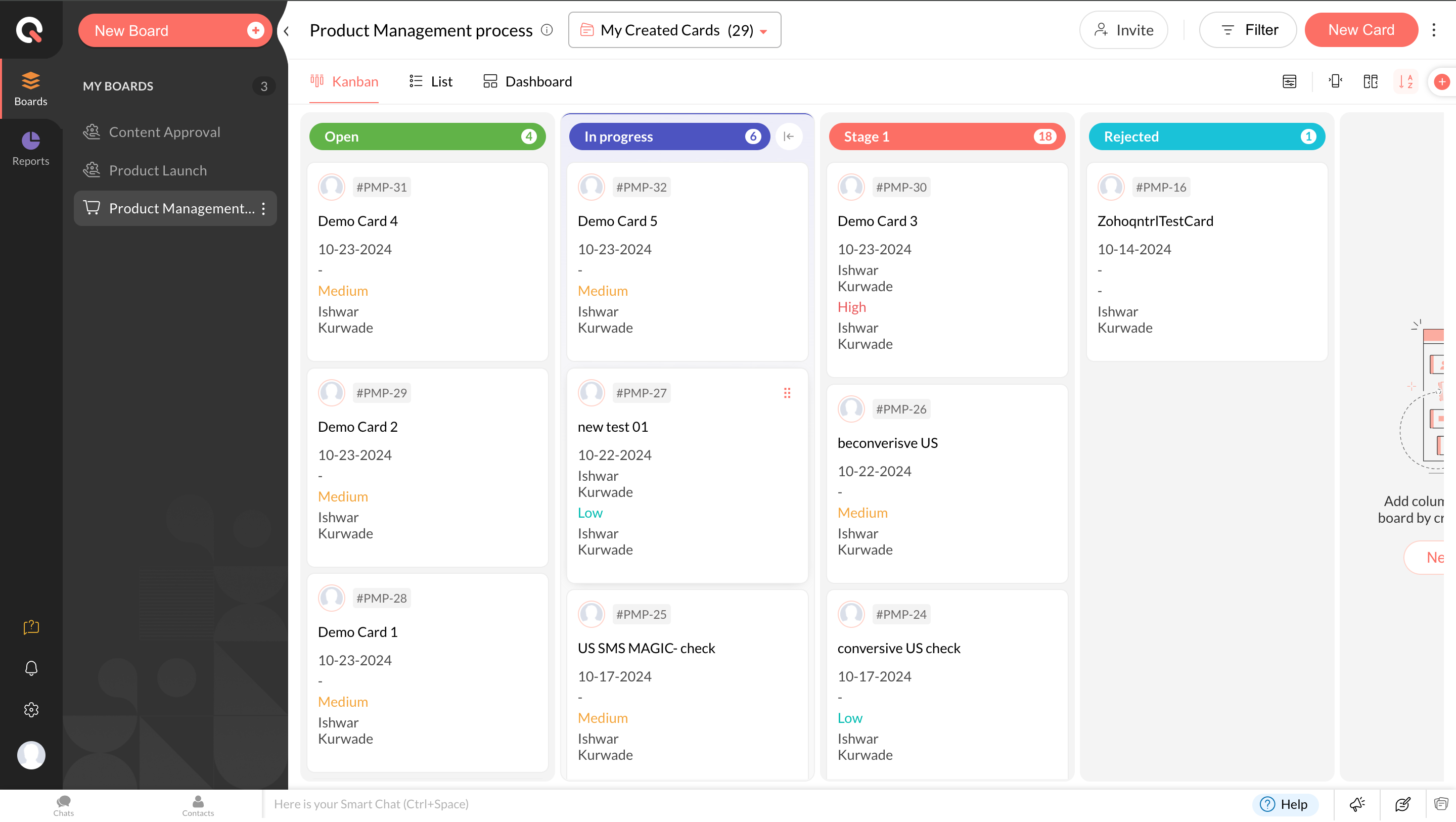
Head to Zoho Qntrl
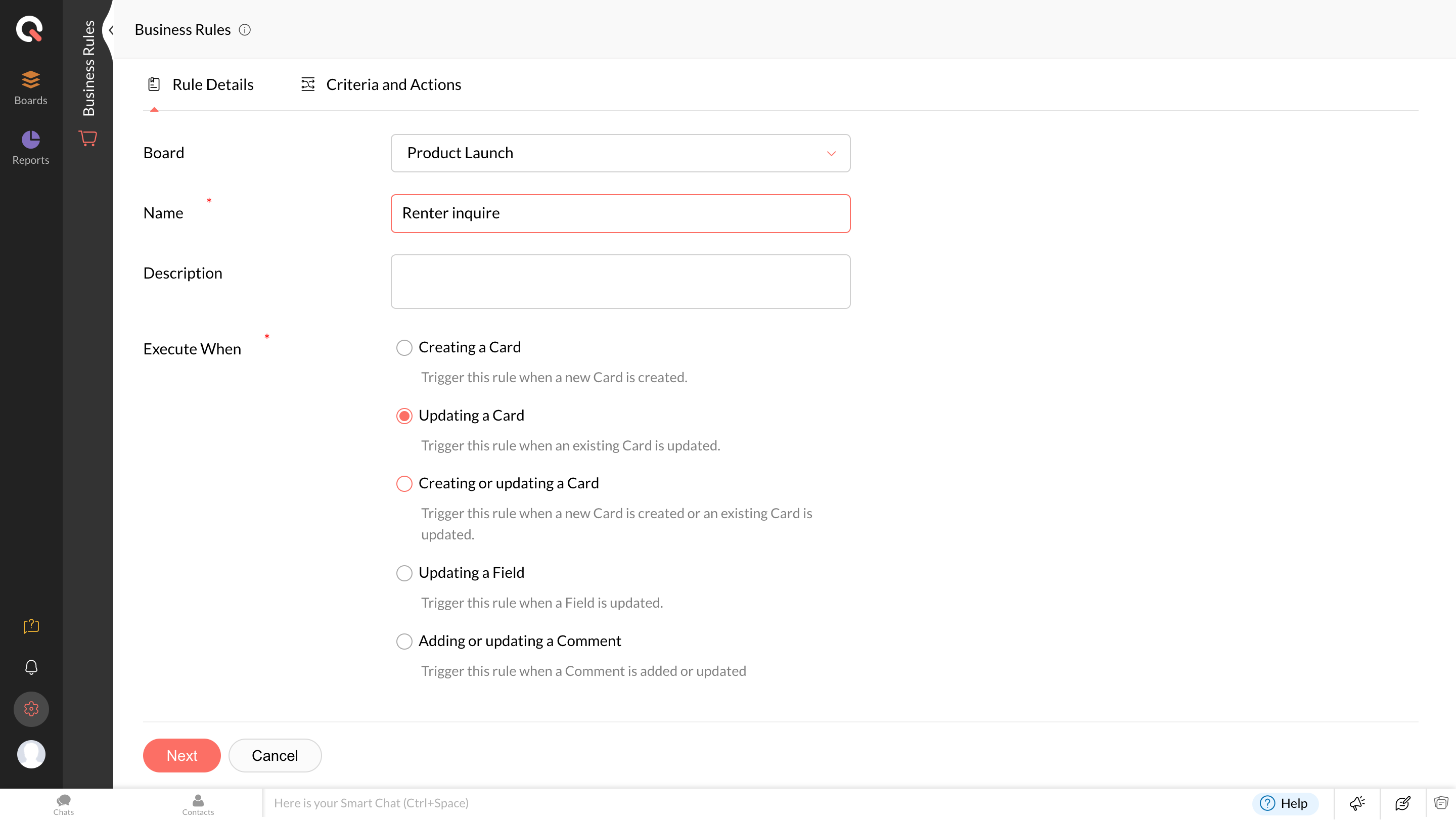
Click on Settings -> Business rules -> Click New Business rule
Provide the condition on when you need to trigger the message
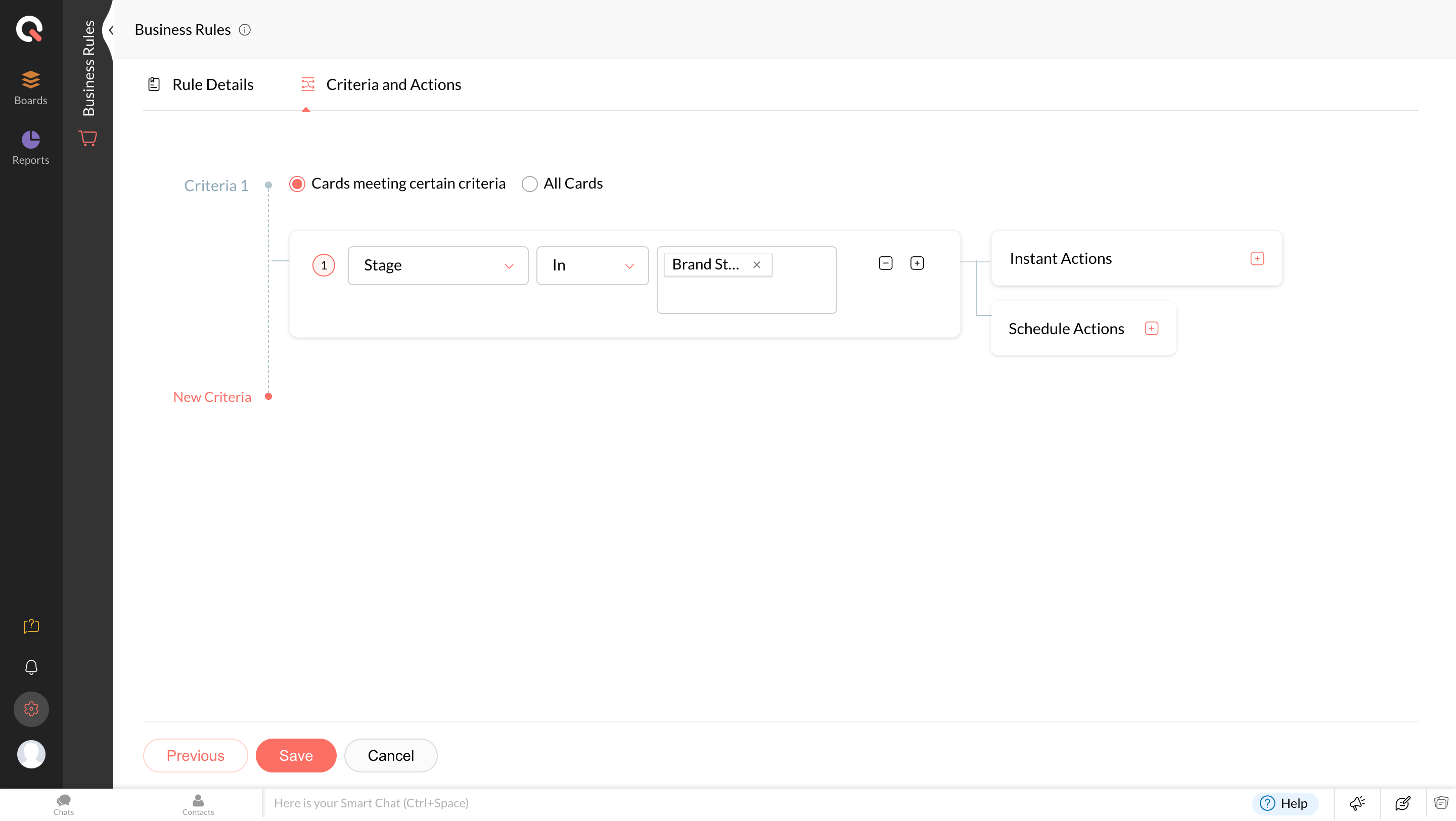
Click Instant Actions -> Webhooks.
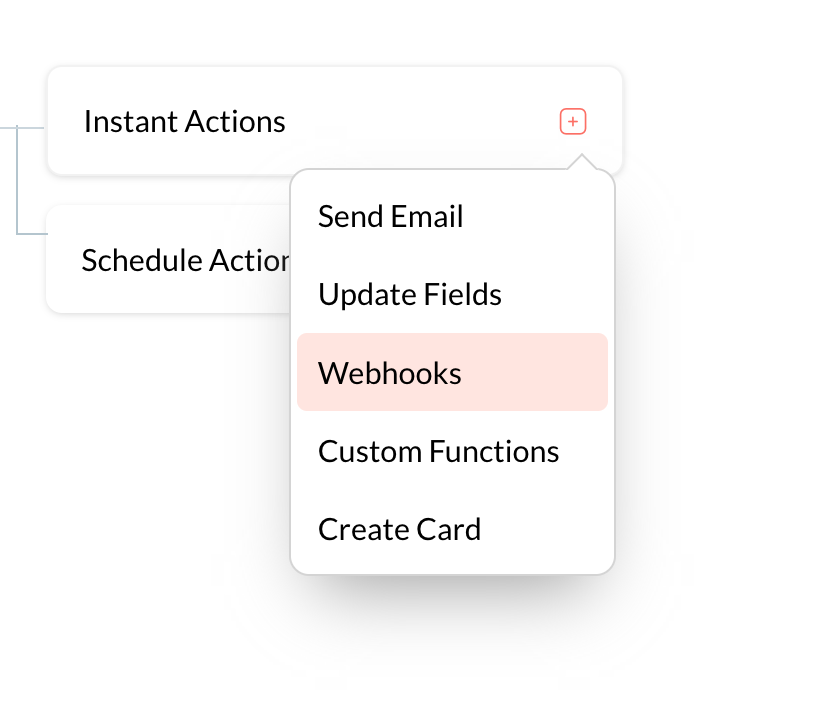
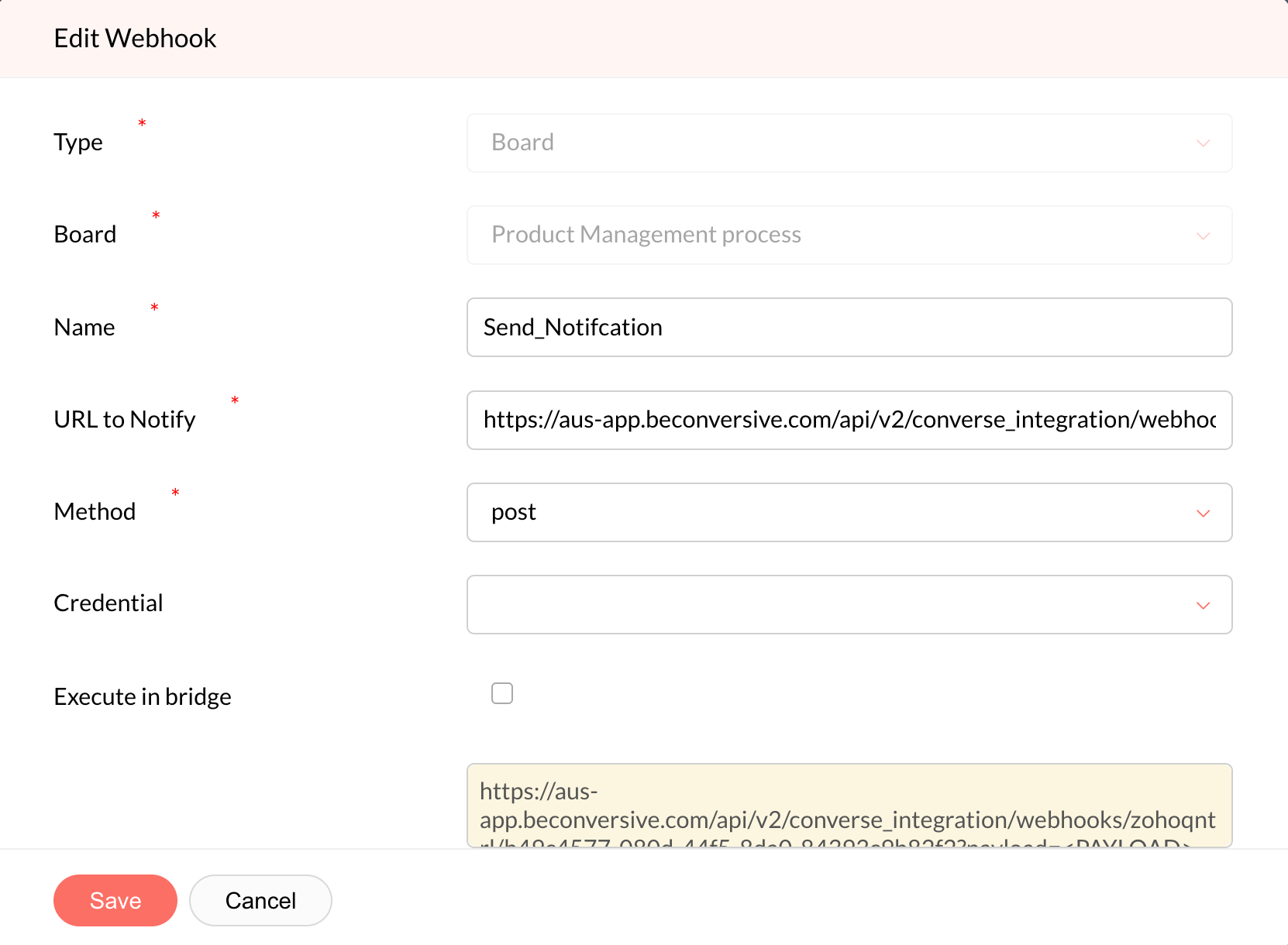
Give a name for the webhook.
Provide the following information:
URL to Notify: In the below URL there will be changes on the URL with the Usecase App ID after /zohoqntrl/{paste your usecase AppID}
Environments -
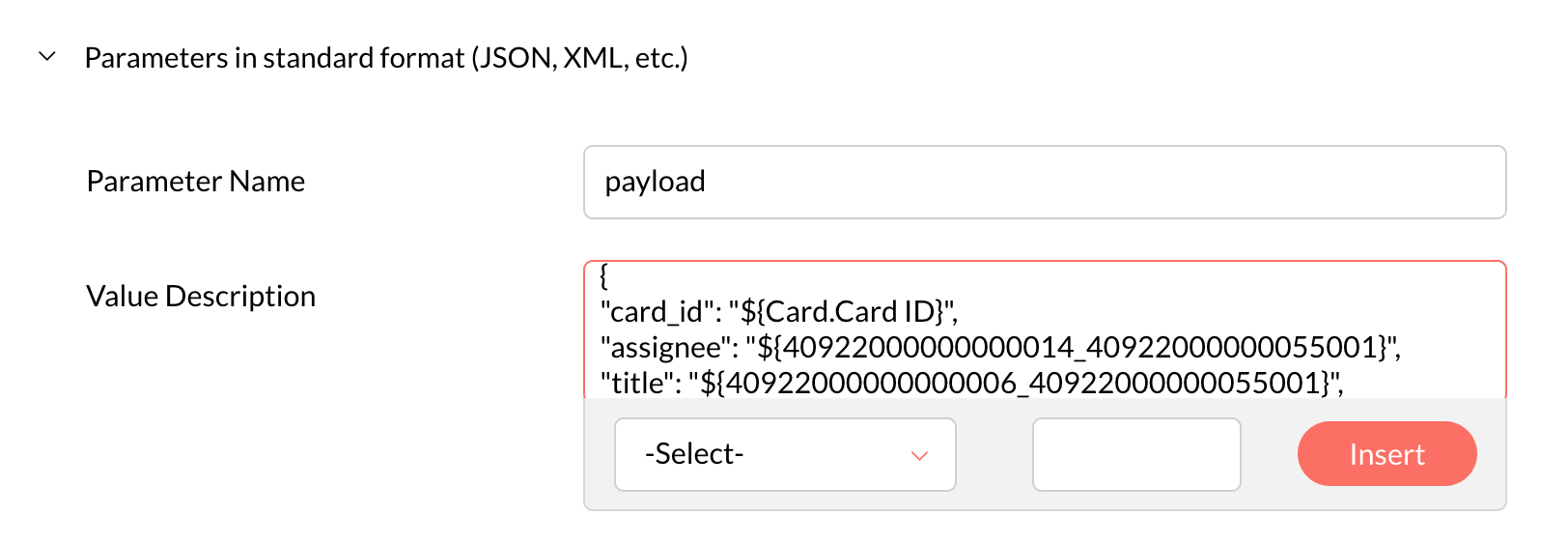
Provide the information below in the Parameters in standard format (JSON, XML, etc.)
Parameter Name - payload
Value Description :
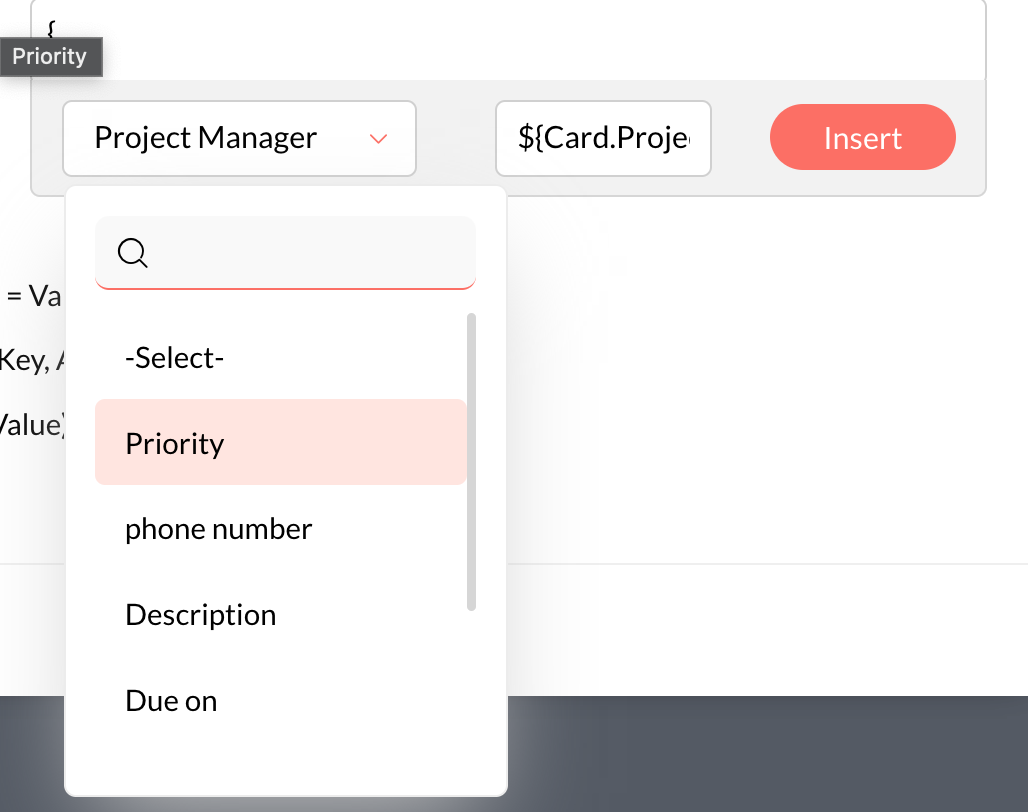
You need to map the details in the payload, which need to be passed to resolve the merge fields in the
left side will be the constant values, which you can use in the merge fields.
The right side will be the values that you get from Zoho Qntrl. The passed from Zoho Qntrl will be resolved in the message template and sent to the user.
Make the flow active

after this, whenever the flow gets triggered from the Zoho Qntrl, it will send out a configured message to the customers. You can see the logs in the activity log under the automation library tab.