Release Highlights – 28th Feb 2026: Release Notes-Display a Welcome Message to the Visitors
Release Highlights – 28th Feb 2026: Release Notes-Display a Welcome Message to the Visitors
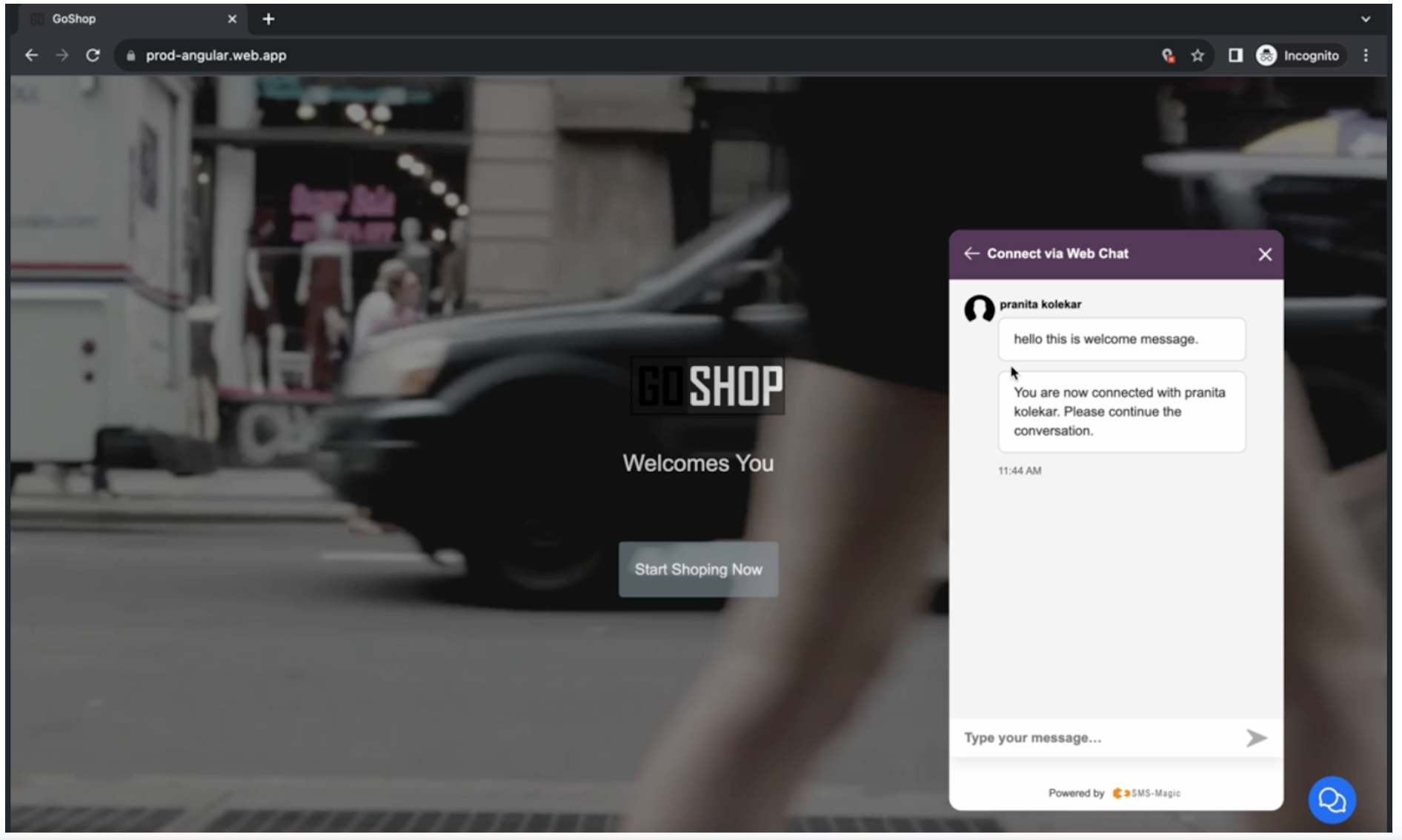
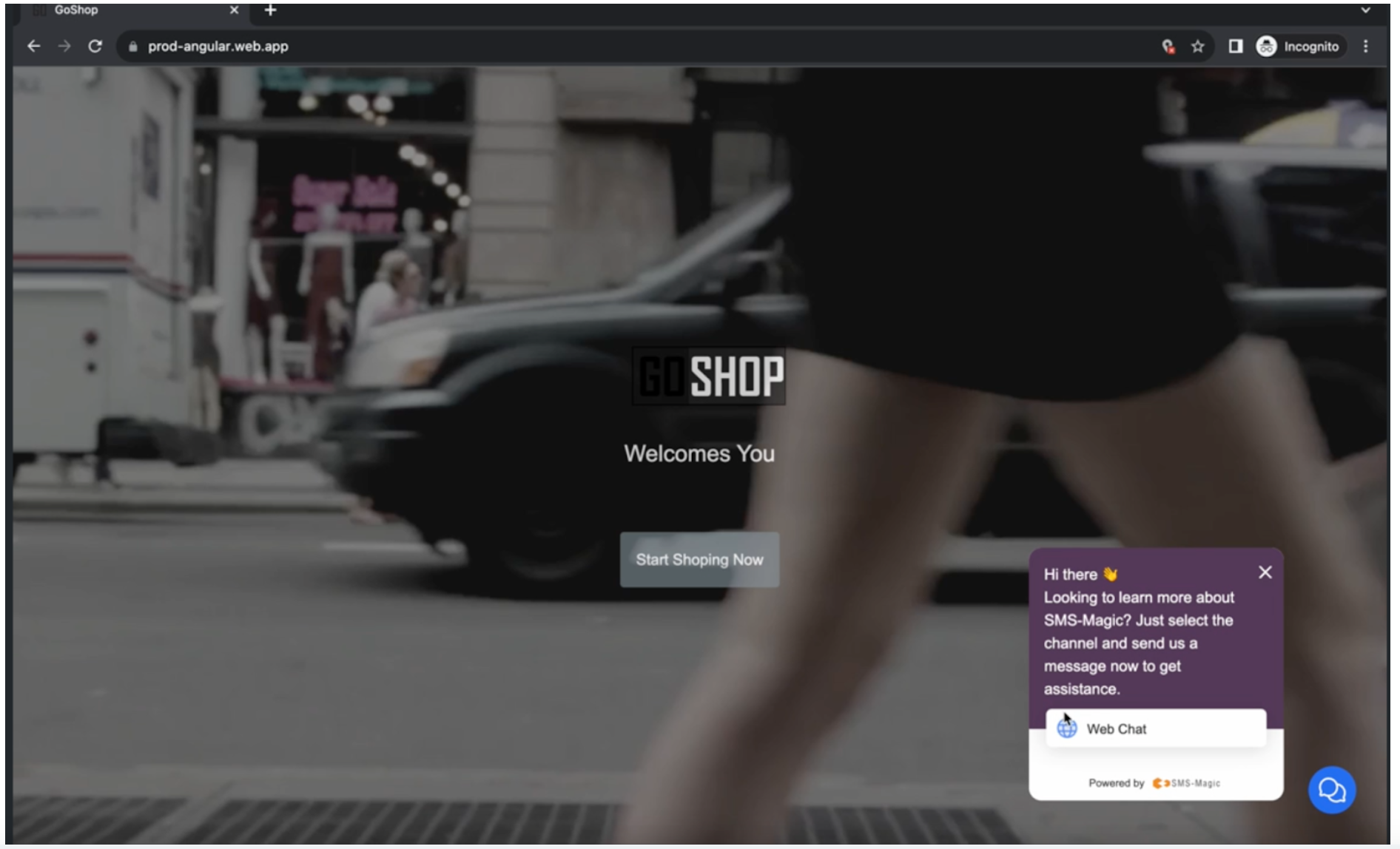
Release Notes - 7th Sept 2023 Display a Welcome Message to the Visitors Now on the web widget, as soon as you enter your details and submit the form, you will see a welcome message in the chat conversion. The same welcome message will also be synced to respective CRMs. A welcome message will now be synced to the Converse Desk on receiving the first incoming message from the visitor. As shown below, first select the Web Chat channel option to fill out the form and send your first message to get immediate assistance
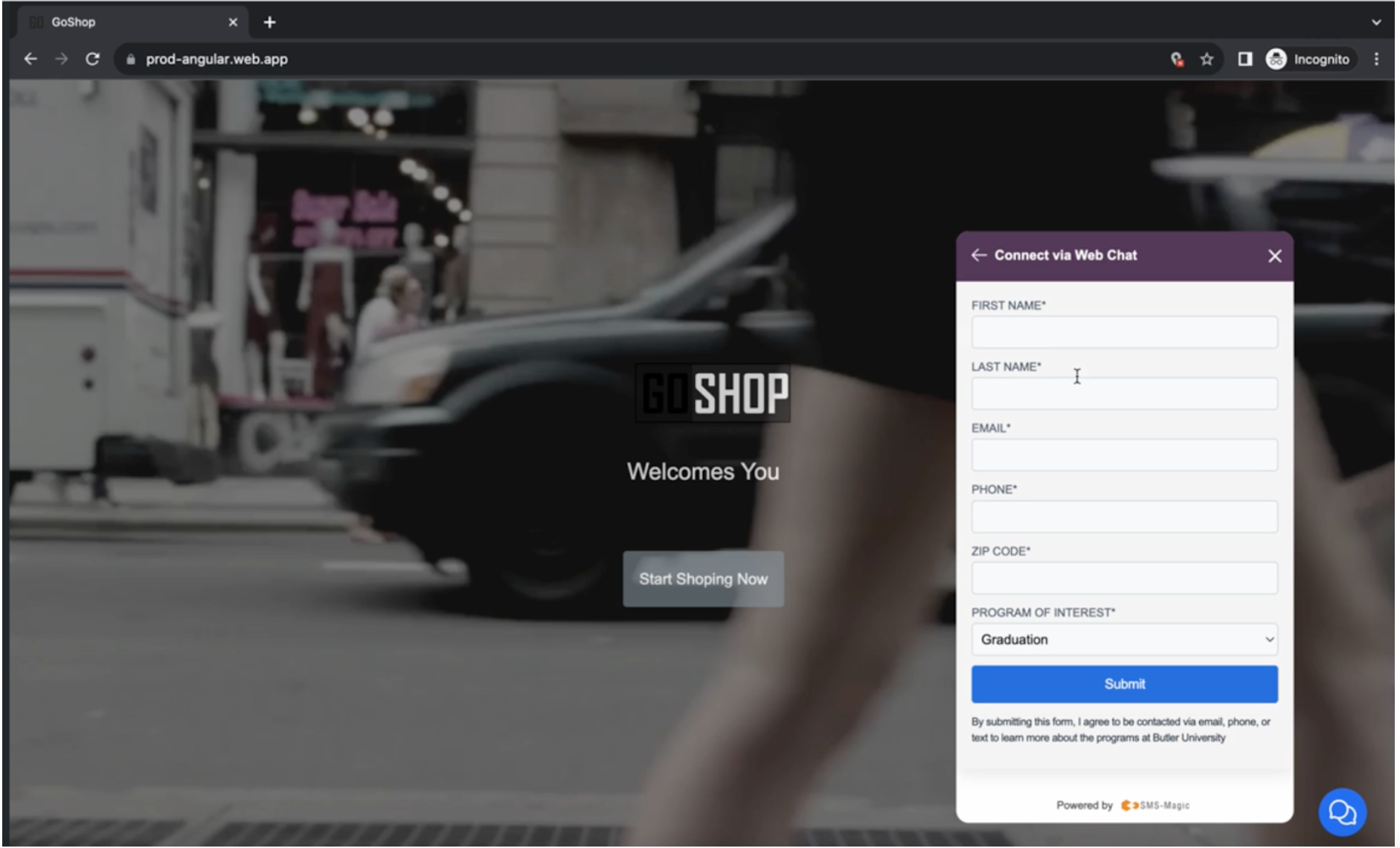
To connect with Web Chat and send your first message, enter details like first name, last name, email ID, phone, Zip code, and program of interest and click on the Submit button
Once you submit your details, you will receive the welcome message, as shown below: